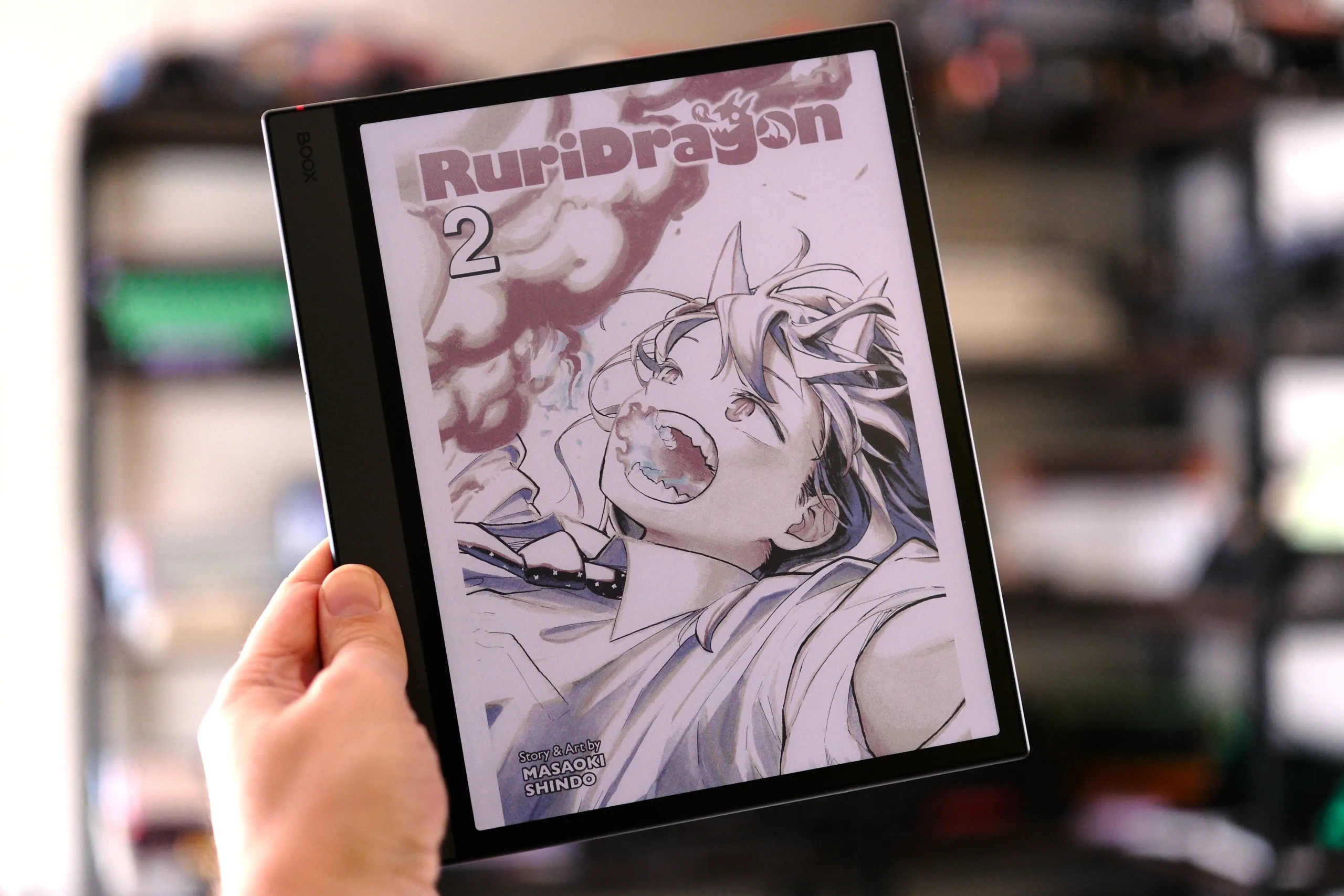

I’ve been reviewing Boox e-readers since before the UI was translated. Many years now. As a longtime e-reader fan, I was always intrigued by the brand’s build quality and feature-rich settings. While there were certainly some growing pains along the way, I’d say Boox has positioned itself as one of the most notable players in the E Ink sphere of e-readers and note-taking devices. Although there are certainly a few companies giving Boox a run for its money, with Amazon’s new Scribe Colorsoft and Bigme continually pumping out new devices, Boox still stands strong with one of the most complete lineups, no matter your size and functionality needs.
Despite rarely enjoying huge tablets, I came away incredibly impressed with the 13.3-inch Tab X C I reviewed last year. So you bet I was curious how its little cousin, the 10.3-inch Note Air5 C, fared. Now that I’ve had a month to test the e-paper notebook, I can say it not only fixes a few issues with the Air4 C but also lives up to the high bar set by the Tab X C. The Note Air5 C, as a color E-ink note-taking tablet and e-reader, at its size and price point, has easily secured its place among the top choices on the market.
Price and specs
Boox sells the Note Air5 C direct from its website for $529.99, with US shipping. You can also find the tablet on Amazon for the same price, sold by Boox. When deciding where to buy, it is often recommended to choose Amazon for easier returns, should you have an issue with your tablet. There’s a good chance shipping will be cheaper and faster if you buy from Amazon as well (remember, folks, Guilty Gamer isn’t monetized, so we only recommend Amazon because it’s actually the better option).
| Display: 10.3″ Kaleido 3 (4,096 colors) Carta 1200 glass screen with flat cover-lens | Resolution: B/W 2480 x 1860 (300 ppi) Color 1240 x 930 (150 ppi) |
| CPU: Snapdragon 750G | RAM: 6 GB |
| ROM: 64 GB, microSD slot | Connectivity: Wi-Fi + BT 5.1 |
| Battery: 3,700mAh | Weight: 440 g (15.5 oz) |
| Dimensions: 225 x 192 x 5.8 mm (8.9″ x 7.6″ x 0.23″) | Stylus: EMR + capacitive touch |
| Lighting: Front Light with CTM (warm and cold) | Ports: USB-C (with OTG), Speaker (dual), Microphone |
| Operating System: Android 15 | Buttons: Power Button (w/ fingerprint recognition), volume rocker |
Now, as for the specs, there are some notable items in the table above. First off, unlike the USI stylus used with the Boox Tab X C, the Note Air5 C uses the superior EMR standard with the included Boox Pen3. The device is also running a fairly new version of Android with the bump to 15. Overall, the tablet takes everything from the Note Air4 C and slightly improves on it with a sheen polishing, like slapping a hole in the case/keyboard cover, so you can finally charge while keeping the device protected (unlike the Air4 C).
The Note Air5 C’s E Ink display is one of the best on the market
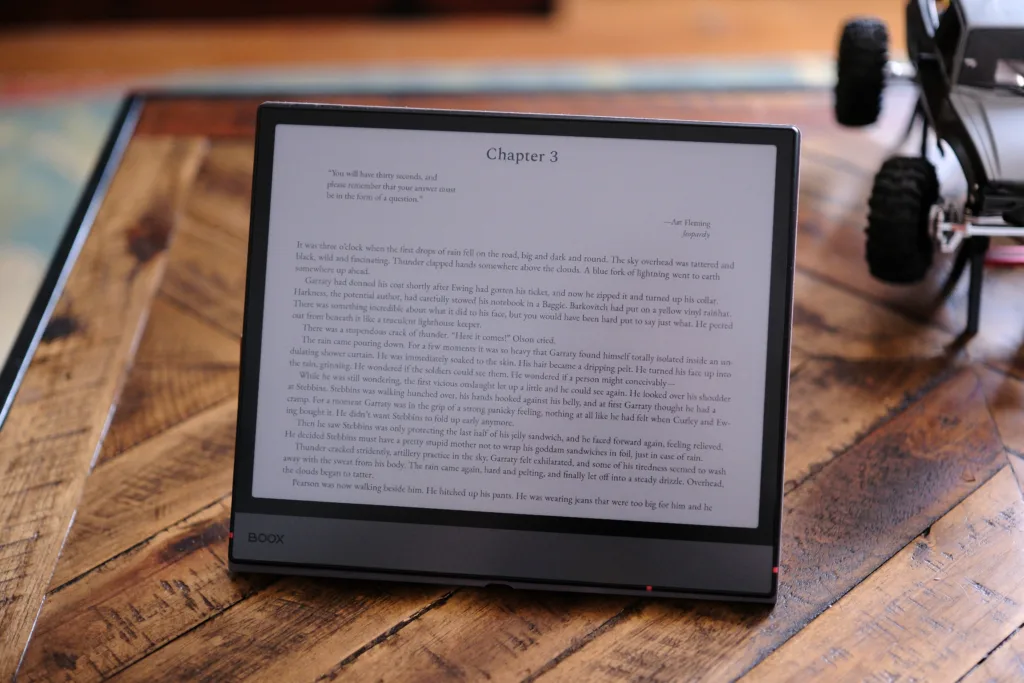
Landscape reading is pretty viable on the Note Air5 C
The Note Air5 C features a 10.3-inch Kaleido 3/Carta 1200 E ink screen, which is a pretty typical size for a device billed as a digital notebook. This tablet is more than just a mere e-reader, and thanks to the EMR tech used for stylus input, it’s also pretty dang accurate and responsive when writing on the screen, ensuring it excels at drawing and taking notes, as it should.
Of course, this is a color E Ink screen, and unlike the Gallery 3 technology used in reMarkable’s Pro devices, the Boox is using a Kaleido 3 screen. Despite Gallery 3 being known for its better color representation since it uses individual color pixels, as I remarked in my Tab X C review, Boox’s implementation of Kaleido 3 has come a long way, with colors that, to me, are mostly comparable to what reMarkable is putting down (beyond duller reds and greens).

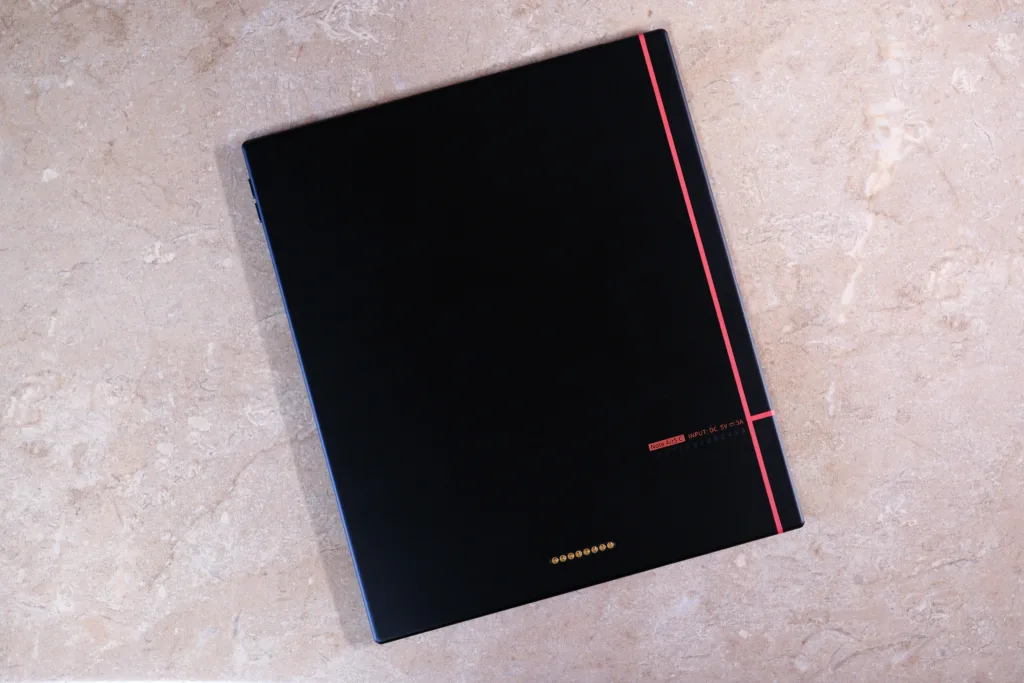
Magnetic Case open showing slot, and the rear of the tablet showing slick red lines
But here is the rub. The last several Kaleido 3 devices I’ve used often have dead pixels. There are more than a few on my Tab X C, and the Note Air5 C is proving no different, with several dead pixels that noticeably shine like bright white pinholes when the front lighting is on. While I do find the lighting offers plenty of versatility, dialing in how warm or cool it is, the brighter the light, the brighter the dead pixels shine. Sadly, this is an issue with the tech that every OEM will run into, with Kindle, Kobo, and others suffering from similar complaints. This is why Boox has a policy of allowing up to 10 dead pixels in its devices: it’s an inherent problem with E Ink screens, and it’s very apparent with Kaleido 3 in general, especially when front lighting is involved.
I also wish that the front lighting could go brighter. Perhaps it doesn’t, to prevent the screen’s colors from washing out. But ultimately, when reading around the house, I sometimes wish I could set the screen brighter than the highest setting.
A quick 3-minute video showcasing NeoReader with manga and e-books, plus doodles in the Notes app
At the end of the day, the screen does offer plenty of color with solid representations for even the more difficult hues, making the device a solid Android tablet for reading comic books and manga. Sure, the 10.3-inch screen may be a little smaller than a traditional US comic, but it’s just big enough that the vast majority of text is plenty legible. This holds true for reading and annotating PDFs, as well. After all, the device was designed for taking notes, so marking up documents is a pleasure.
Basically, if you require a color E Ink but feel the Tab X C’s 13.3-inch screen is too big, and the Go Color 7’s is too small, then the Note Air5 C should be the model you’re looking at, as it’s something of a Goldilock’s device that should please most users with its slim design and low weight that keeps it approachable for the use-cases of reading and taking notes.
Can a tablet be too thin?
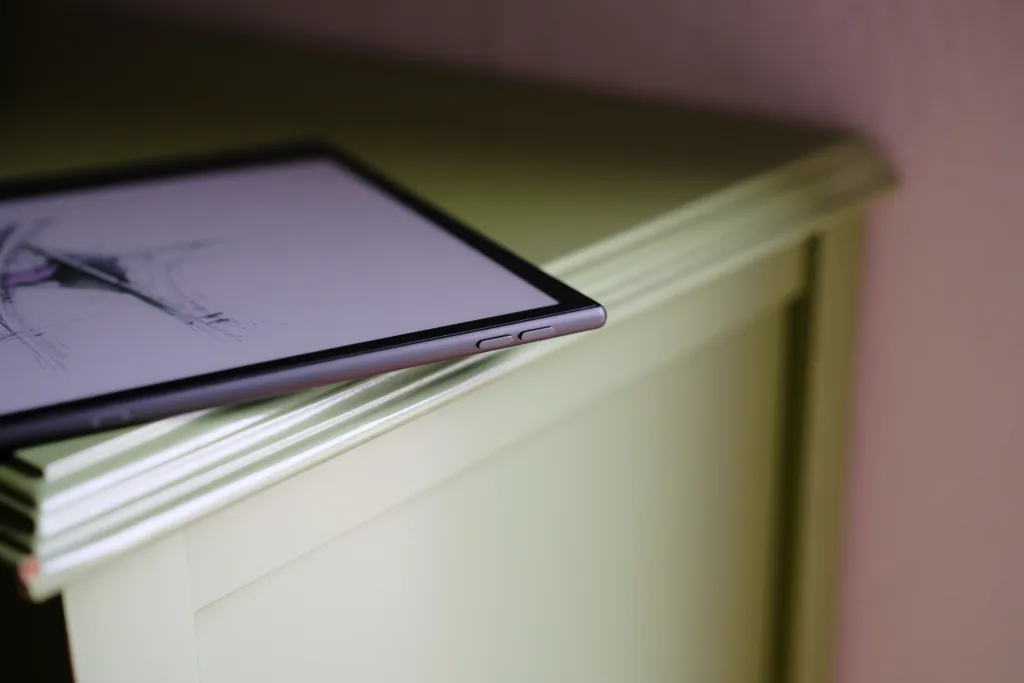
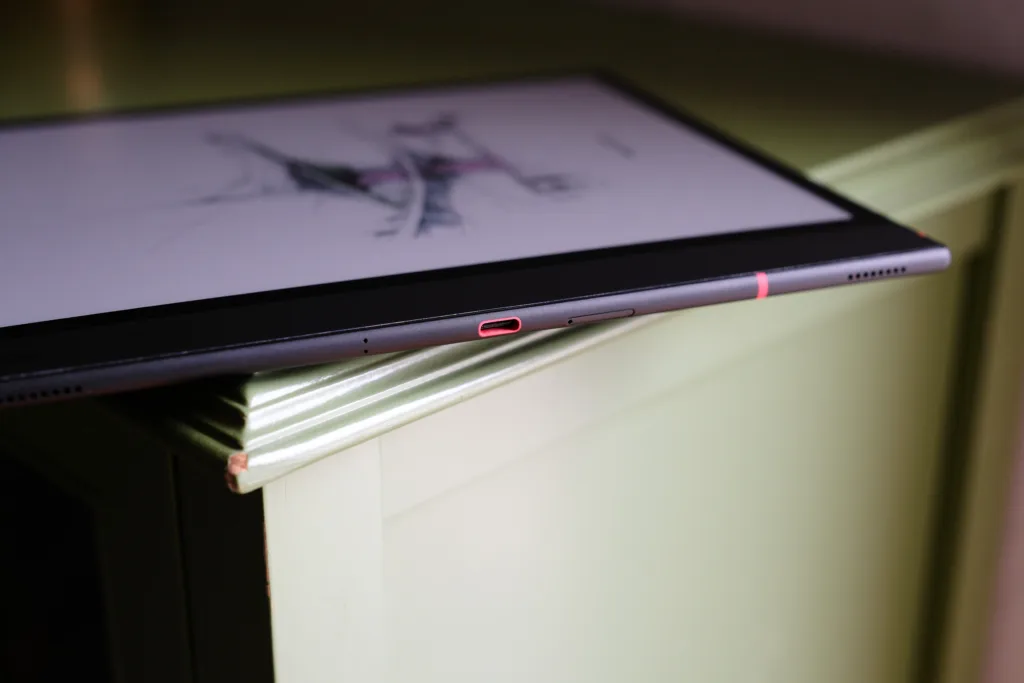
Volume rocker and USB-C port, again loving the red accents
Now, this has been mentioned in previous reviews, but it bears repeating. Boox’s UI is a bit of a maze, and some features are repeated, depending on where you look. But Boox has been working on this with firmware updates, slowly but surely, the UI is growing more tame and comparable across devices, which is a good thing.
I find the stock e-reading app NeoReader finally offers all the features I need to dial in my manga (like reverse page order), though some things remain unpolished, like the progress bar failing to represent right-to-left reading. Still, out of all the many E Ink devices on the market, Boox goes above and beyond with plenty of features and settings so you can tune your experience. Navigating the UI is sometimes a chore, but I’ll take that over a lack of options any day (looking at you, Kindle).
As far as build quality goes, at least for my device, I feel it could be a tiny bit better. While I’m more than happy with how thin and light this tablet is, it doesn’t feel as refined as the Tab X C. The front glass edge is ever so slightly raised from the metal body, and I can feel this edge with my fingers when holding the device. I’m not a fan. Maybe it’s the result of the incredibly thin design, but it leaves me wanting for something a little more pleasing to my fingertips.
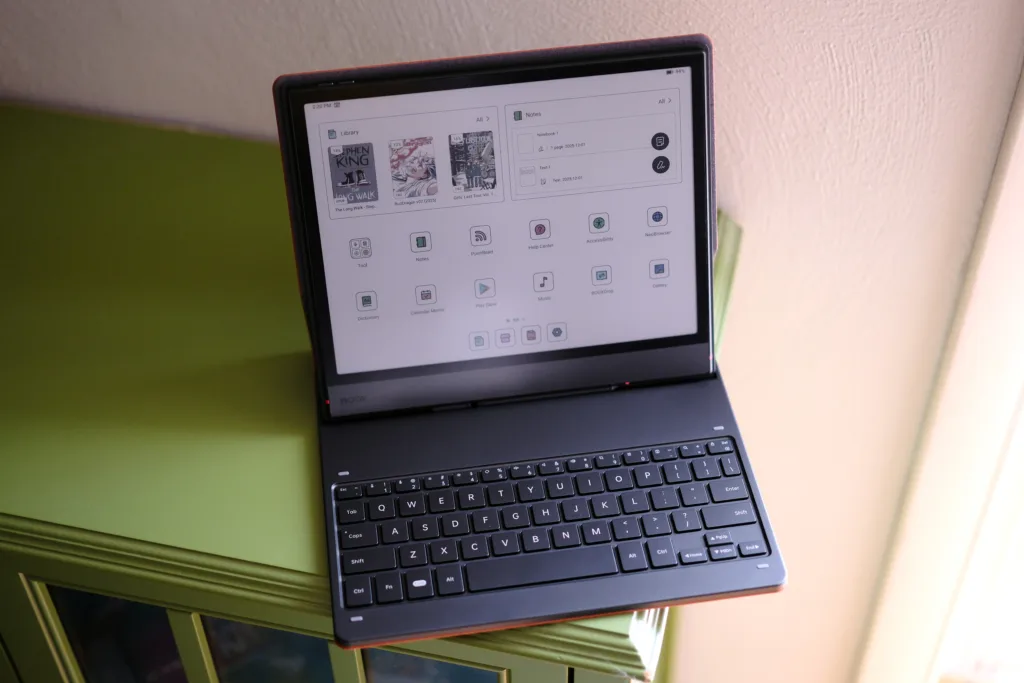
Keyboard Cover sitting nice and sturdy; this sucker is rigid
Beyond the slightly raised edge of the glass front, I’d say the Note Air5 C lives up to its name. I especially love the little red accents on the USB port and other areas of the body; they help the tablet stand out a little, which is fun to me. Overall, this E Ink Android tablet is a light, portable digital notebook that is just as easy to hold for long stretches as it is to tote around town.
The Note Air5 C chews through apps and can read for days
One thing I really appreciate about Boox devices is that they often use midrange Snapdragon chips. Compared to OEMs like Amazon, Rakuten, and Barnes & Noble, Boox devices fly. Jumping from app to app on the Note Air5 C consistently feels responsive, and this has as much to do with the 750G processor as it does the included 6GB of RAM. There’s only 64GB of storage, but there is microSD support, so you can expand your storage with a card.


Close-up of color images
While reading files with large images, I never noticed any slowdowns with NeoReader, though longer omnibuses can take a little longer to open. But once open, pages turn without hesitation. Of course, since this is a Kaleido 3 device, there is some ghosting with color images when turning pages, and even if you set the device to refresh on every page turn, some color ghosting remains. As far as black-and-white text and images are concerned, it seems clear to me that the Carta 1200 layer actually respects the setting to refresh on every page turn. This is no different from the Tab X C, in my experience.

Zoomed in on some text
When it comes to the battery, you get ample life out of the device if you read only a few times a day, say, if you’re mainly a nighttime reader. But if you’re pulling the tablet out multiple times a day to take notes, annotate, browse the net, listen to music, you know, all the typical things one would use an Android tablet for, and your battery life can burn much faster.
So how much life you get out of this e-reader depends on how much you use it and what you’ll use it for. With my medium usage of reading and note-taking, I found I was averaging 4 days before needing a charge. However, standby time is pretty great, so if you leave the device lying around for a week or two without using it, you won’t need to worry about it being dead the next time you do pick it up.
You may want to consider the Keyboard Cover
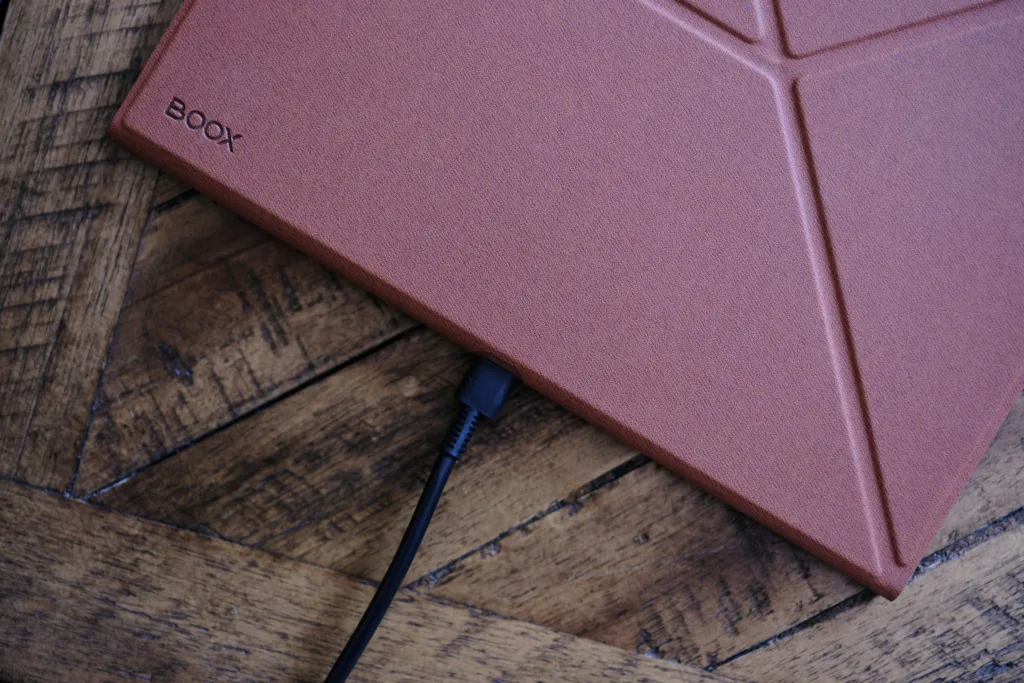
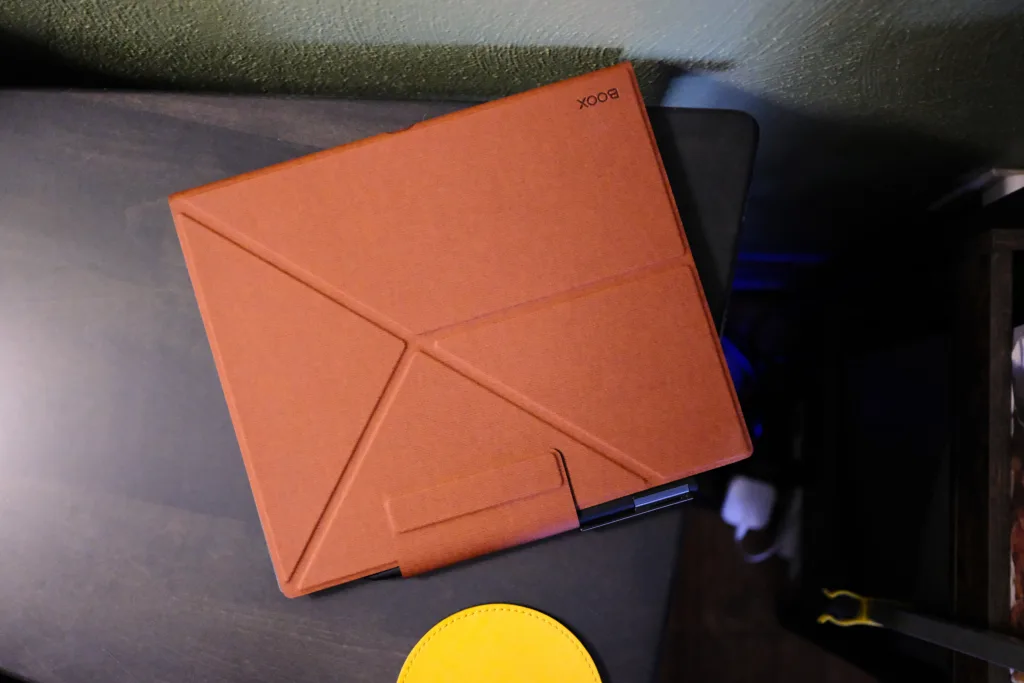
Magnetic case with USB cutout, with pen attached and holder in place
You have two bundle options when purchasing from Boox directly (sorry folks, it looks like the Keyboard Cover is only sold separately on Amazon): one includes a Pen3 stylus, extra tips, and a Magnetic Case, and one includes the Keyboard Cover on top of everything else. Of course, you always have the option of picking up the Keyboard Cover at a later date, though Boox does currently offer a discount if you buy the Keyboard Cover Bundle directly.
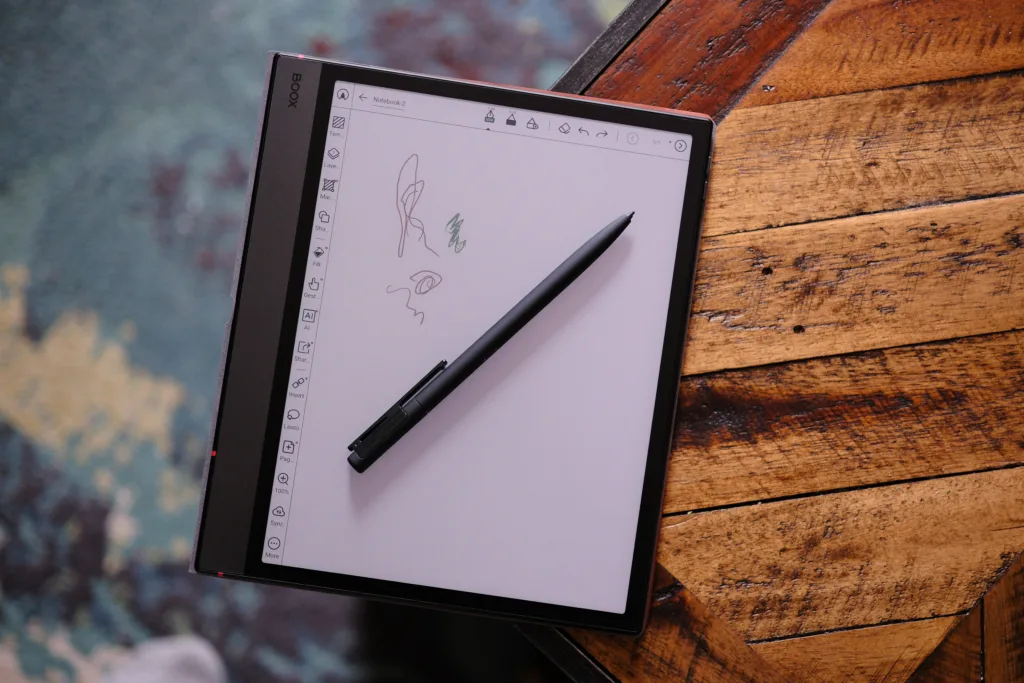
Some light doodling showing a couple of colors
As I mentioned earlier, the Pen3 uses EMR tech, which is certainly the preferred choice over USI, which feels all too common in e-readers these days. EMR simply feels more responsive, with lower latency, compared to USI, which is why the Note Air5 C is a good choice for artists drawing on the tablet.
The Magnetic Case works as advertised, connecting to the tablet via magnets, ensuring the device is easy to detach at a moment’s notice. And now that there is a hole in the spine, you can charge your device while the case is on.
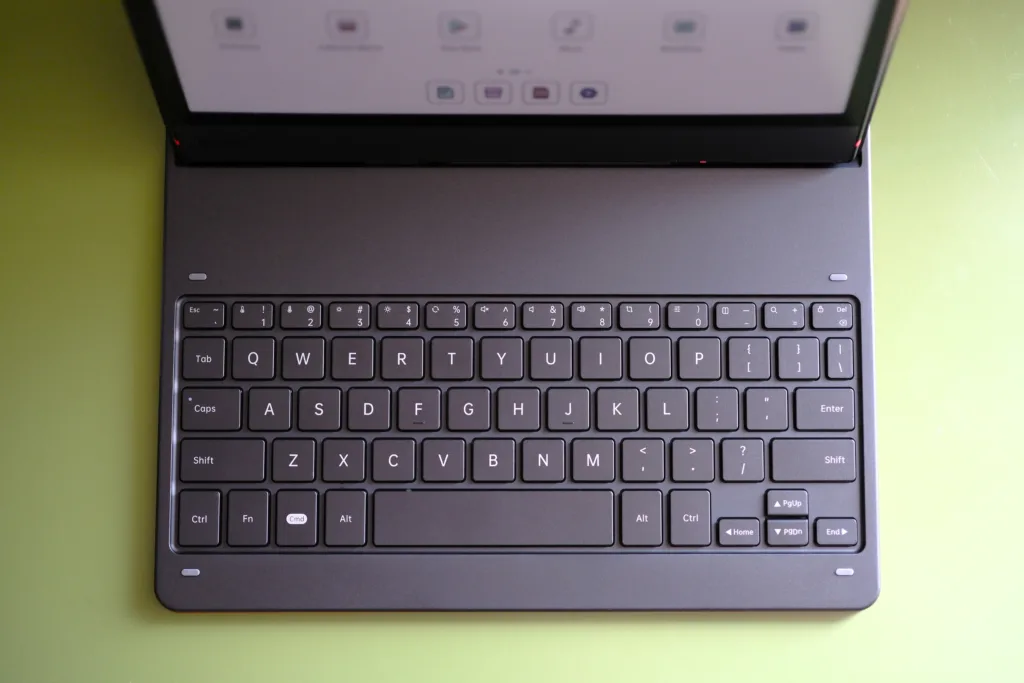
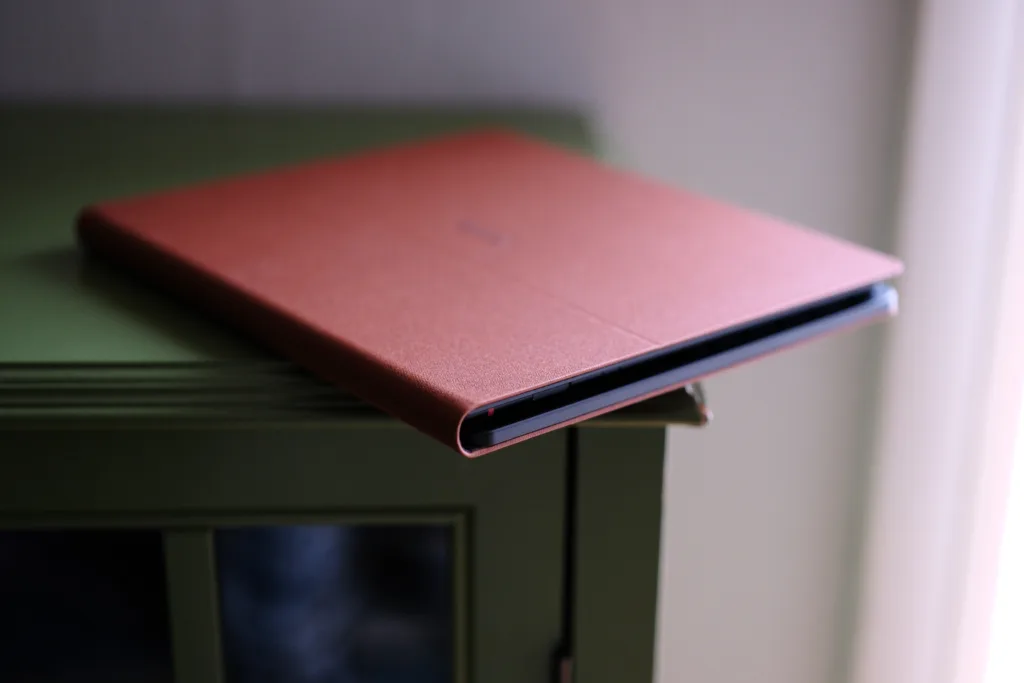
Keyboard Cover showing keys, and thickness of case
But what really surprised me among all these peripherals was the Keyboard Cover that is a real pleasure to type on. Unlike the floppy cover for the Tab X C, the Note Air5 C is incredibly rigid and thick because the tablet attaches to a plastic shell built into the case’s lid. Ideally, this will result in better protection, but the case is pretty thick, adding a lot of bulk to what is a very thin tablet. However, there is no touchpad, so you’ll have to touch the screen to navigate or use keyboard shortcuts. Ultimately, using the Keyboard Cover was pretty enjoyable, making for a minimal E Ink typing experience that’s all the rage these days.
The Note Air5 C is for enthusiasts

Manga in NeoReader in landscape
If you’re looking at a Remarkable Paper Pro or a Kindle Scribe Colorsoft, that’s precisely the segment where the Note Air5 C squarely fits in. It’s a device for taking notes and reading documents, offering one of the better color E Ink screens on the market. While I have my doubts the screen will go toe-to-toe with whatever magic Amazon has woven with the new Scribe Colorsoft, and doesn’t quite offer the better color separation you’ll find on the reMarkable Paper Pro, the note Air5 C clocks in cheaper than both with a much more robust and open system by running Android rather than a closed-source, minimalist firmware.
The Boox Note Air5 C is the device you buy when you’re tired of walled gardens and prefer to maintain your own library of e-books and files, with a vast library of Android apps that can easily expand what the digital notebook is capable of, bending to your will rather than the other way around. It’s a connoisseur’s device, something hobysist will appreciate, and while no e-paper tablet is perfect, the Note Air5 C does enough right to easily be a top choice in the 10-inch color E Ink space.
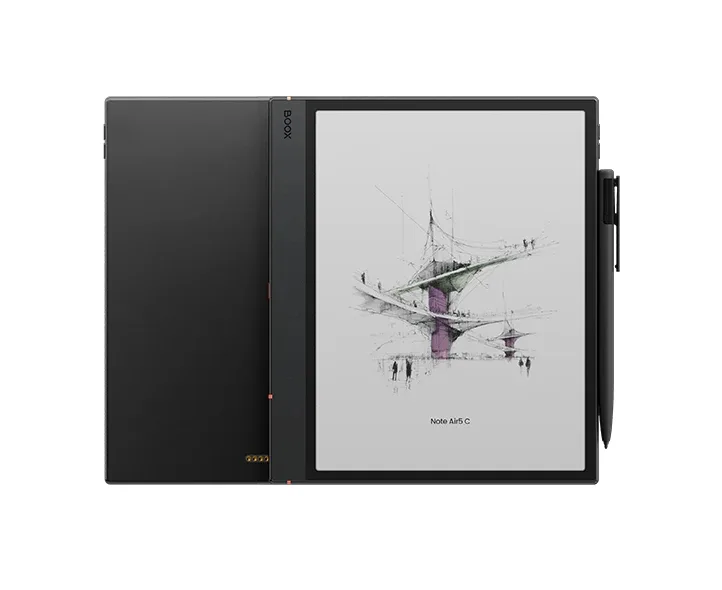
Pros
- Good color representation
- B/W text is crisp and clear
- UX is pretty snappy
- Plenty of settings
Cons
- Inherent dead pixels
- Uncomfortable glass edge
- Low max brightness
- Some color ghosting
| OEM | Model | Price |
| Boox | Note Air5 C | $529.99 |
The Boox Note Air5 C hits the perfect middleground of price to performance ratio, thanks to its midrange processor, ample RAM, and robust settings. Whether you need to take daily notes, annotate documents, or simply read some manga, this digital notebook can handle everything you toss its way.