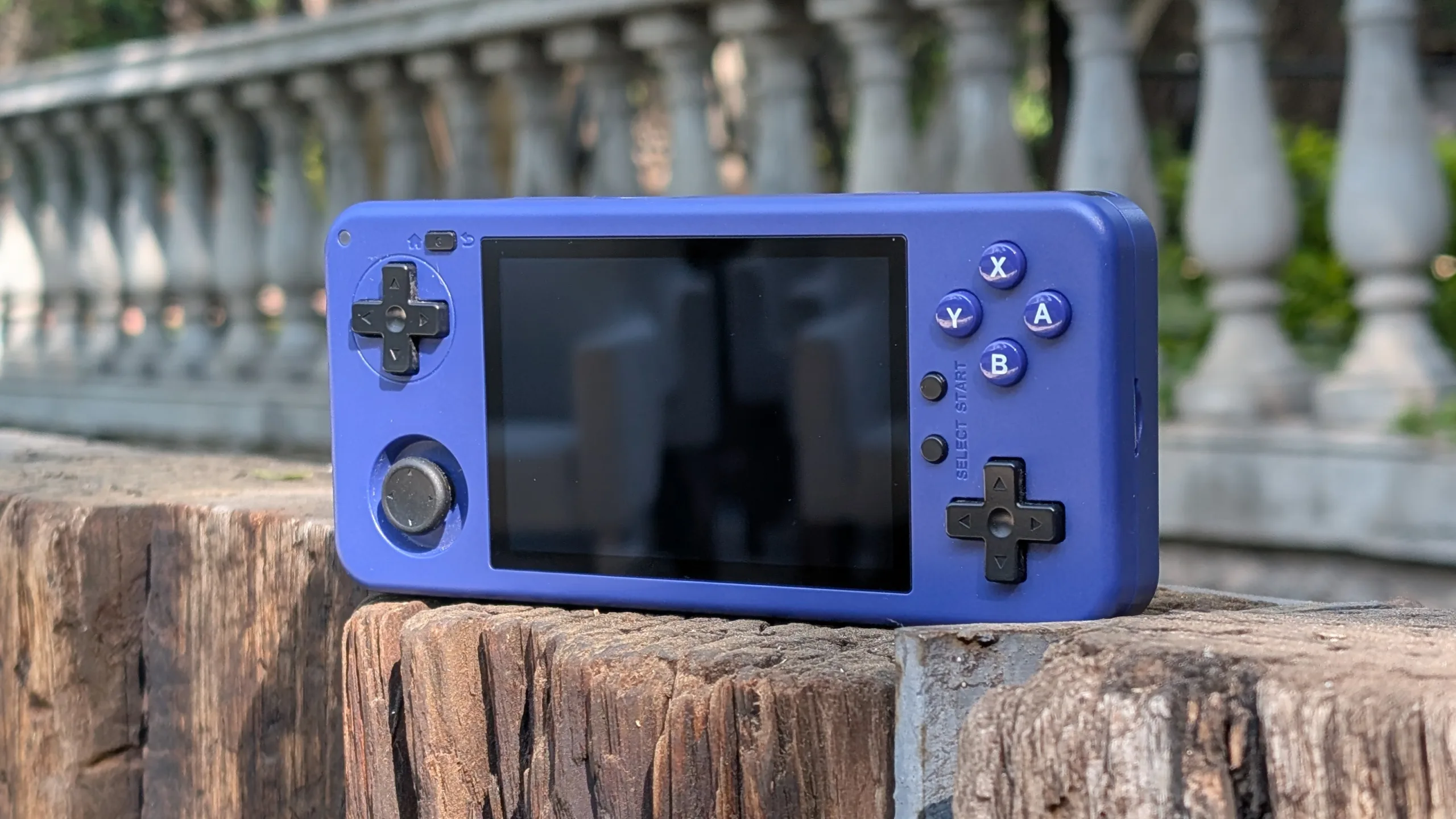

For all the excitement driven by the never-ending hype cycle in the handheld console space, there’s not a lot of innovation happening. Sure, there’s the ever-present race for better specs and more premium builds, but no one is forging any new trails that weren’t already blazed by the likes of Steam, Sony, and Nintendo. No one, that is, except for MagicX, who is not afraid of trying something different. This ethos shines through in its latest release, the One 35, which makes some bold design choices to bring near-first-class support for both horizontal- and vertical-aspect-ratio games.
Price, specifications, and availability
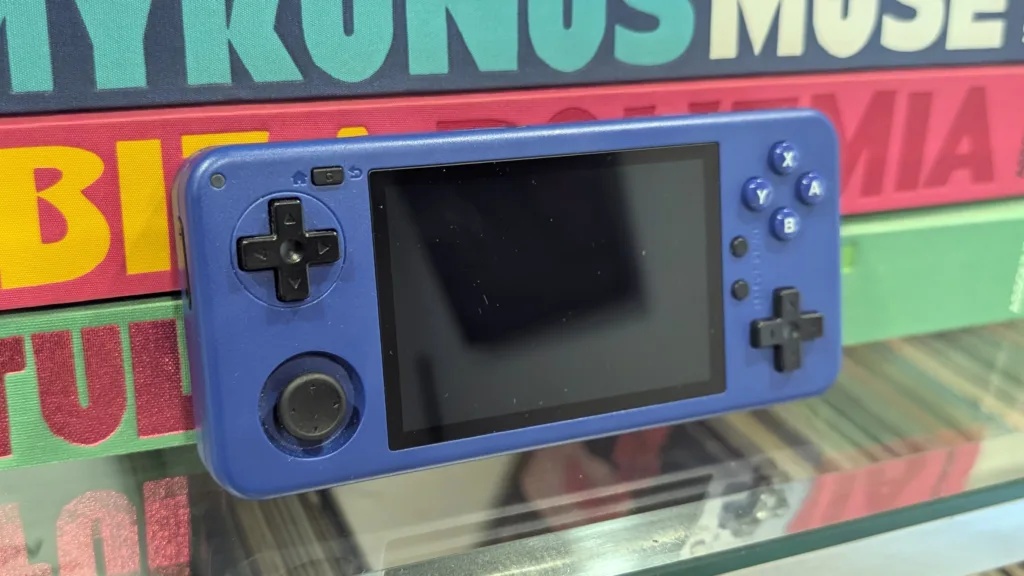
The MagicX One 35 can be purchased directly from MagicX’s website for $95 if you don’t get the 128 GB SD card, or $129 if that’s something you think you’ll need (although both SKUIs are currently on sale for $85 and $109 as of the time of publication). Unlike its previous handhelds, which you can find on Amazon or AliExpress, the One 35 is currently only available directly from MagicX’s store. MagicX also makes available some replacement parts if you want to future-proof your One 35.
Inside its plastic shell, the One 35 offers very similar numbers to Mangmi’s Air X and Ayaneo’s Pocket Air Mini. Of the bunch, the One 35 is the smallest and is just edged out in nearly every category, though not by much. Its 2 GHz chip and 4 GB of RAM are enough to push you into the low end of PS2 and GameCube territory (plus a bit of Wii), and can handle most of the Android-native games you throw at it.
Specifications
| Display: IPS, 3.5″, 60 Hz, Touchscreen | Resolution: 960 x 640, 3:2, 329 ppi |
| Processor: MediaTek Helio G85, octa-core, 2 GHz | RAM: 4 GB LPDDR4X |
| ROM: 64 GB, SDcard slot | Connectivity: Wi-Fi, Bluetooth, USB-C, 3.5 audio |
| Battery: 4,300 mAh | Weight: 189 g |
| Stereo speakers | Size: 153mm x 70mm x 19mm |
The One 35 design is both familiar and unique
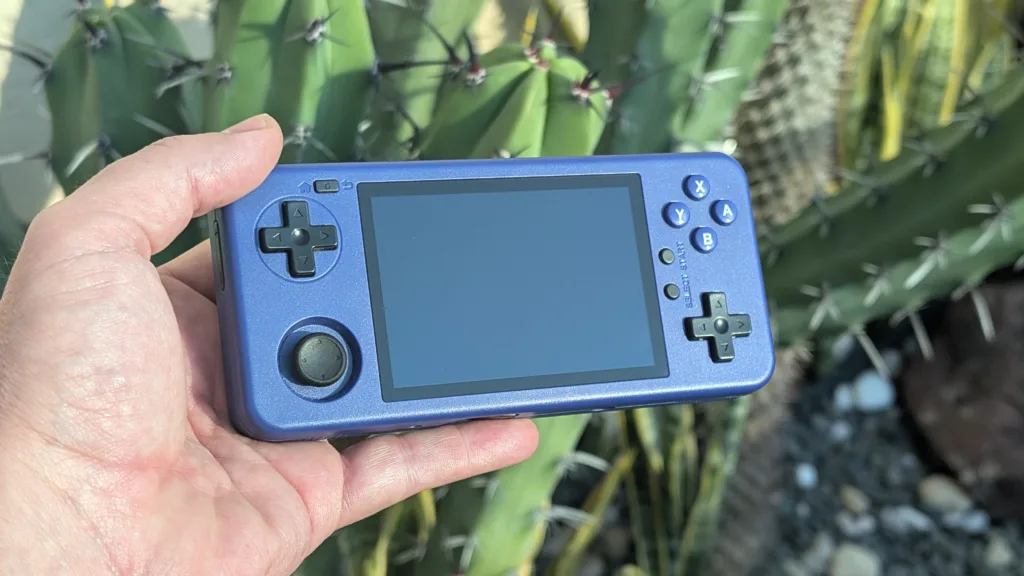
From just a cursory glance, the MagicX One 35 looks like a generic horizontal handheld, but when you start to see some of the details, it becomes obvious that MagicX is doing something different here: It wants to be both a horizontal and vertical handheld. To pull this off, MagicX has made some unique design choices.
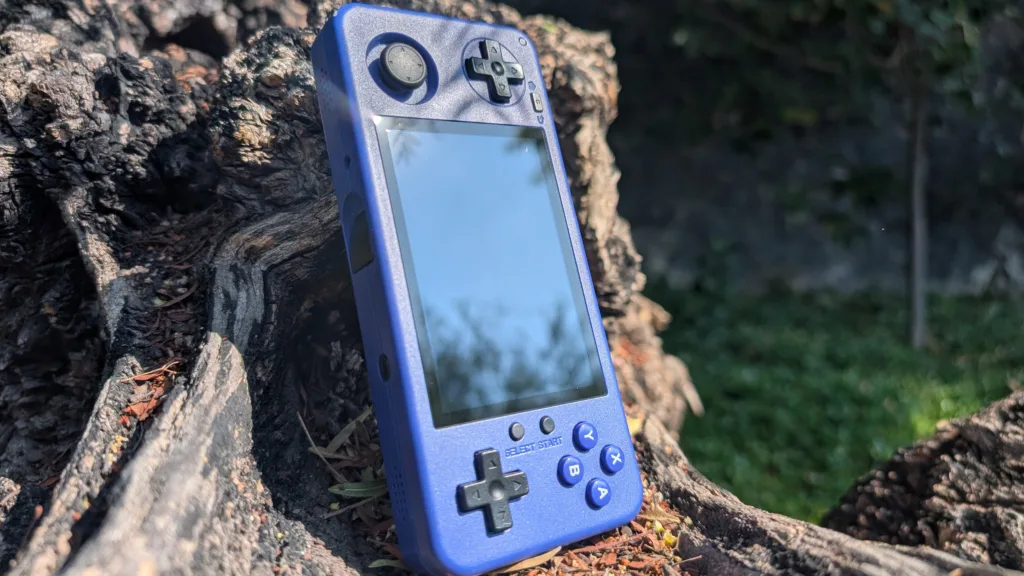
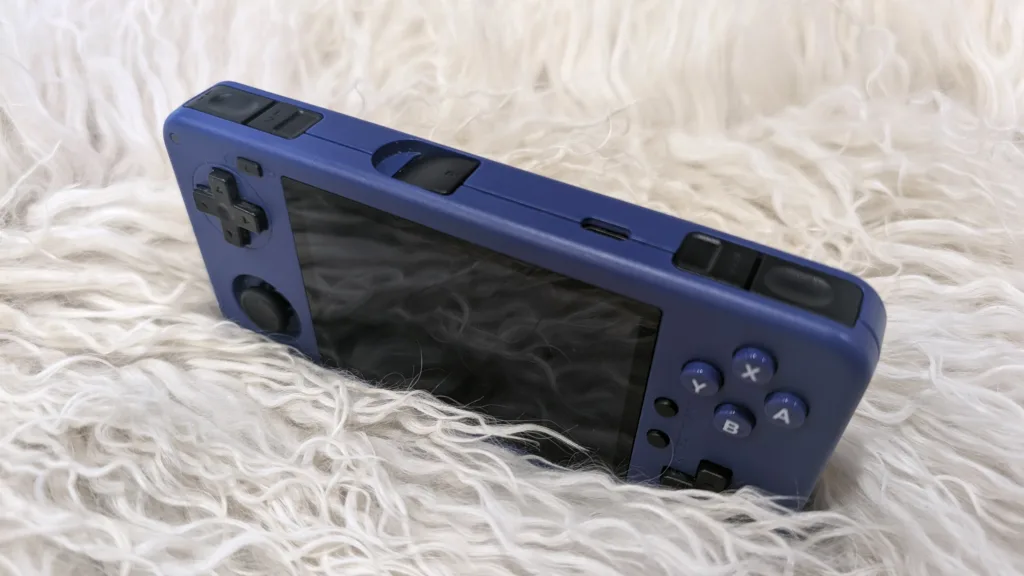
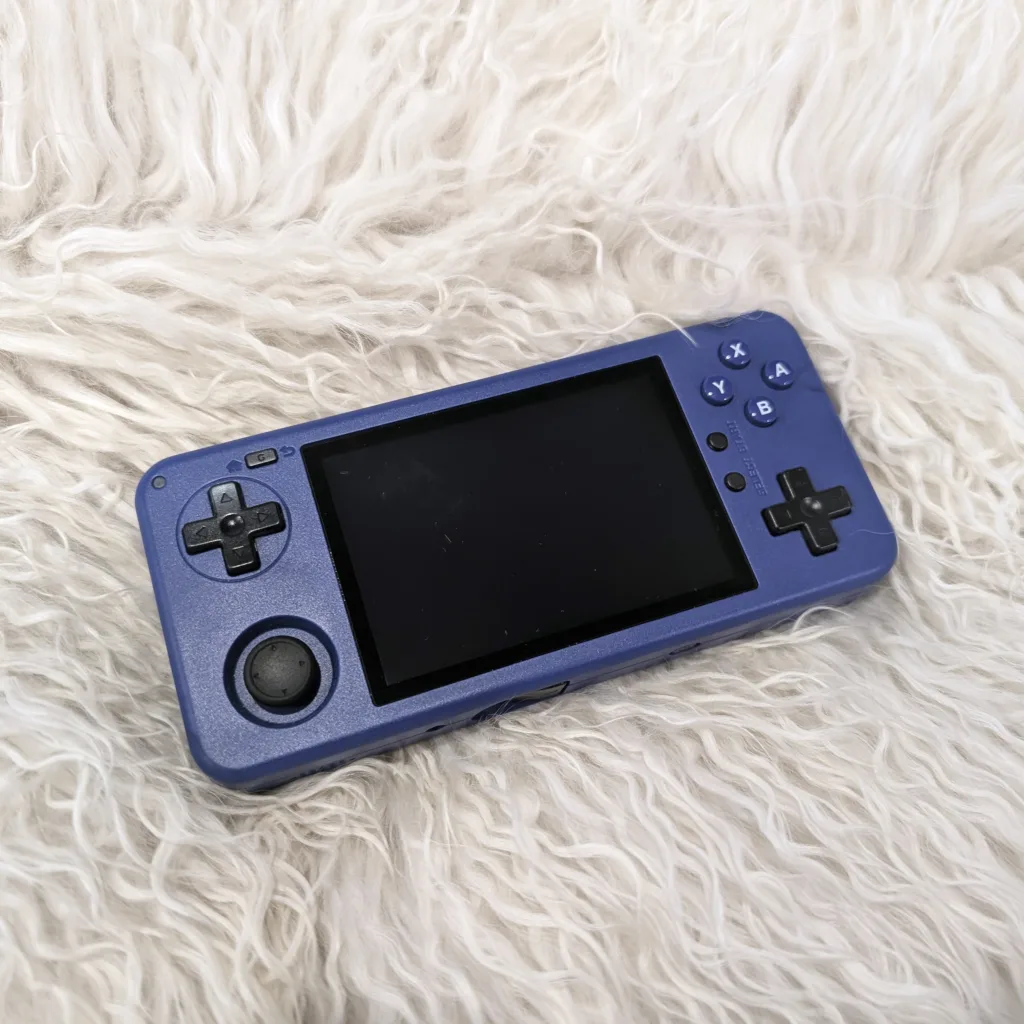
The first is below the button cluster on the right side: There’s a second D-pad where one would normally expect a second analog stick. Likewise, the Start and Select buttons are on the right of the screen, in a vertical orientation, rather than below the screen in a horizontal orientation. Finally, there are triggers on the top and bottom of the device in addition to the traditional triggers at the top corners. On a purely horizontal device, these choices don’t make a lot of sense, but once you rotate it 90 degrees, things start to make a lot more sense.
On the whole, it works, but there are caveats to this endorsement. The most radical design change — the recessed triggers — are a pretty cool idea, but they’re definitely awkward, particularly for games like Mario Kart, where you’ll have to hold them for drifting and items. They are a nice-to-have for RetroArch hotkeys like rewind, but they are far from ergonomic.
The Start and Select buttons are a minor pain in the butt. Given the compact size of the One 35, there’s not a lot of room to place them anywhere else, but I found myself accidentally pressing the Start button during gameplay. The same is true for the Home/Back button next to the top-left corner of the screen.
On the whole, the build quality is adequate. My biggest gripes are the A/B/X/Y buttons, which rattle around in the shell. There were also some instances where the A button would get stuck, and I’d have to force it down, which is not ideal when you’re trying to jump and shoot in a boss fight.
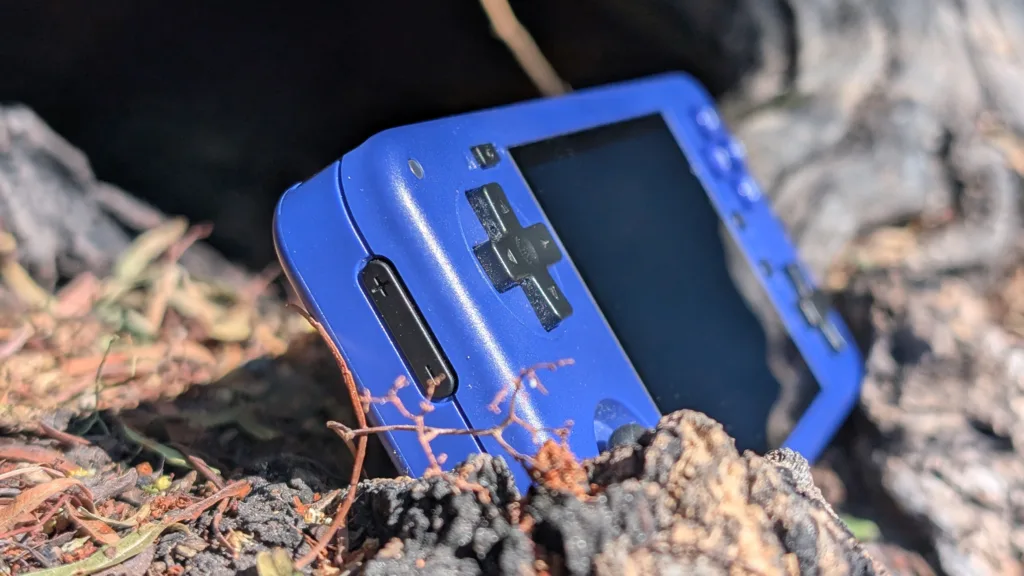
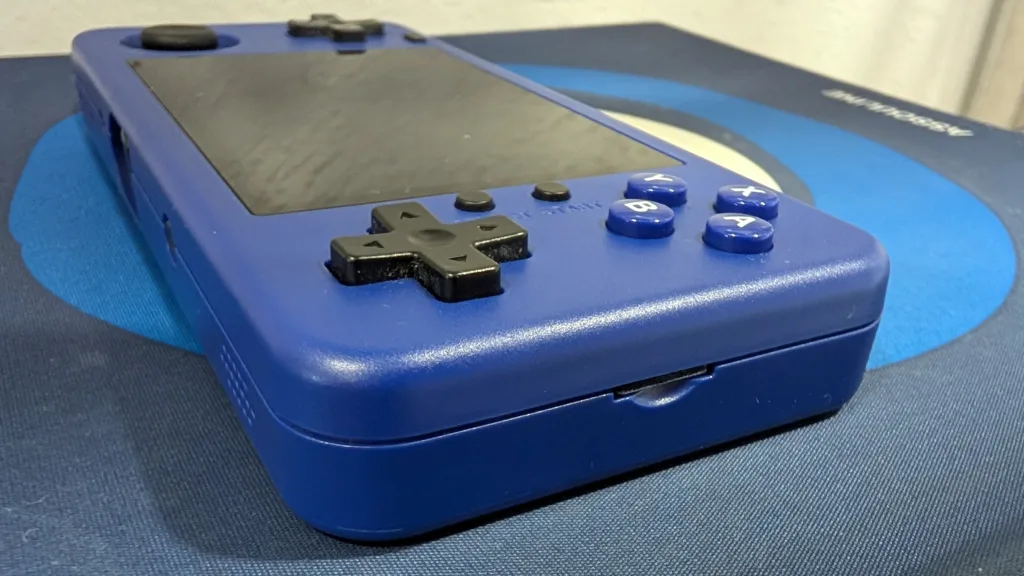
One thing I’m ambivalent about are the L1/L2/R1/R2 buttons on the shoulders. On most devices, these buttons protrude from the case in some way to make it easy to rest your fingers on them. On the One 35, they sit flush and in line, not stacked. It’s kind of a hassle for trigger-heavy games, but it’s not nearly as onerous as I thought it would be, at least for titles that don’t ask me to hold the trigger or be deft at using both the top and bottom triggers (or in this case, interior and exterior).
The One 35 software ties it all together
The fundamental conceit of the One 35 is that you can easily switch between horizontal and vertical gameplay. The fact that MagicX pulled this off so well is a testament to its software, in particular, its proprietary launcher, Dawn. For some emulators, such as the pre-installed Nintendo DS emulator DraStic, the One 35 is pre-set to launch games in vertical mode. For others, you’ll have to change the settings yourself, which Dawn makes very easy.
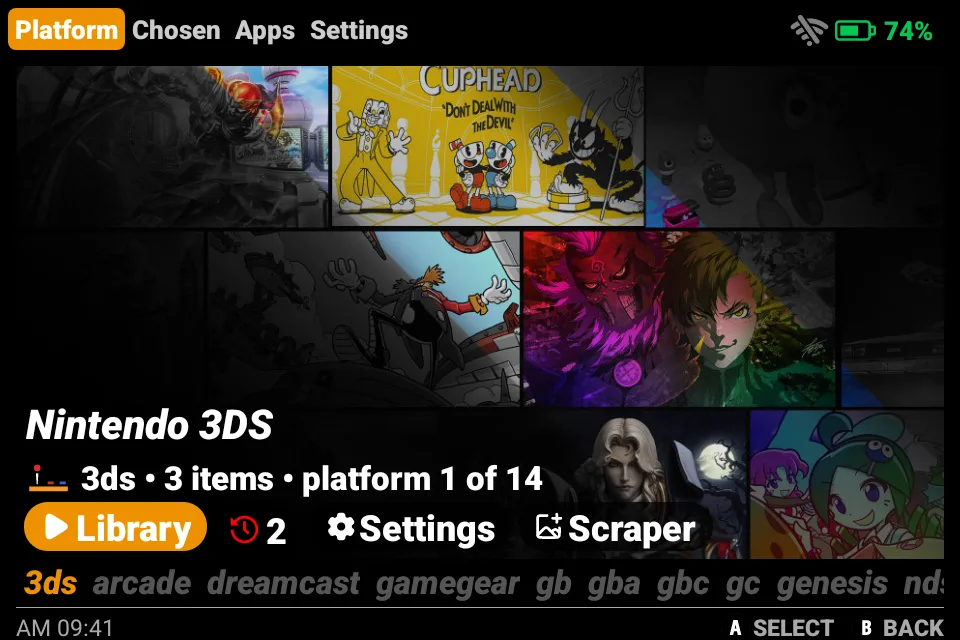
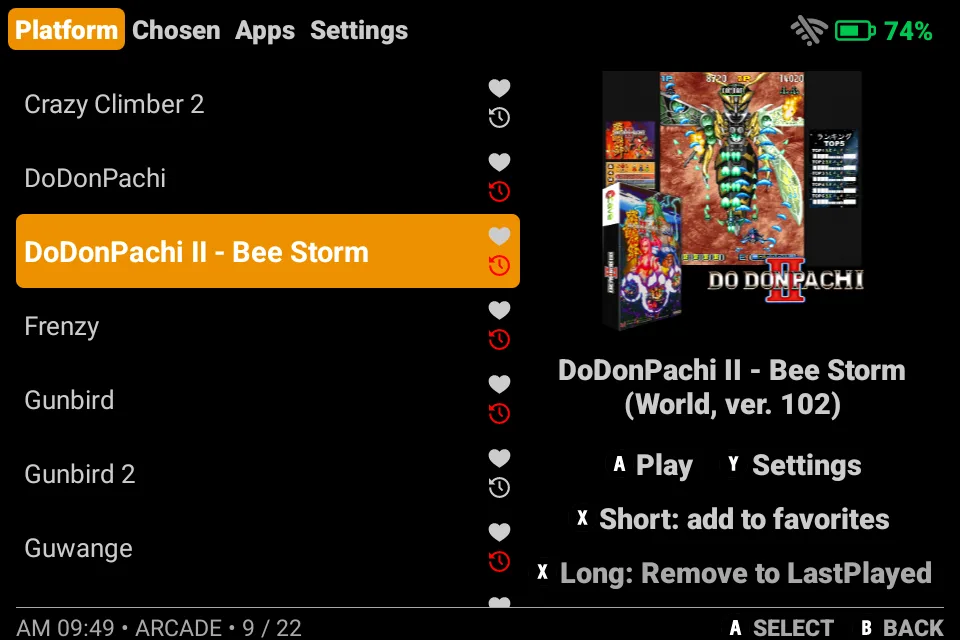
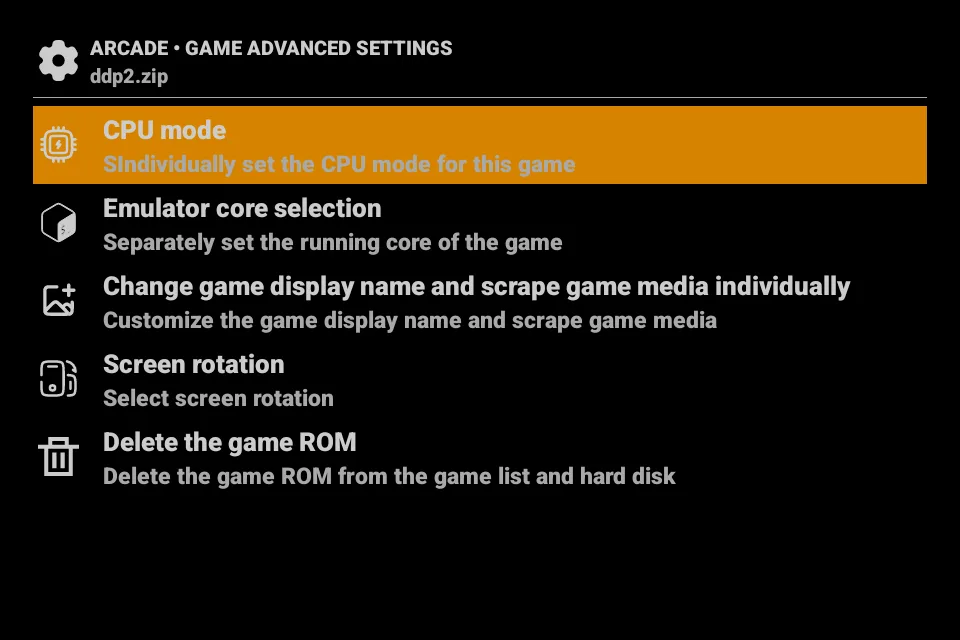
This per-game verticality comes in very clutch for RetroArch games. As most handheld enthusiasts know, RetroArch is a difficult beast to tame, and some features that should be intuitive are not. Screen orientation is one of those things, with RetroArch wanting you to jump through hoops to change and save the orientation. But Dawn makes this a first-class feature, letting you bypass RetroArch’s shenanigans.
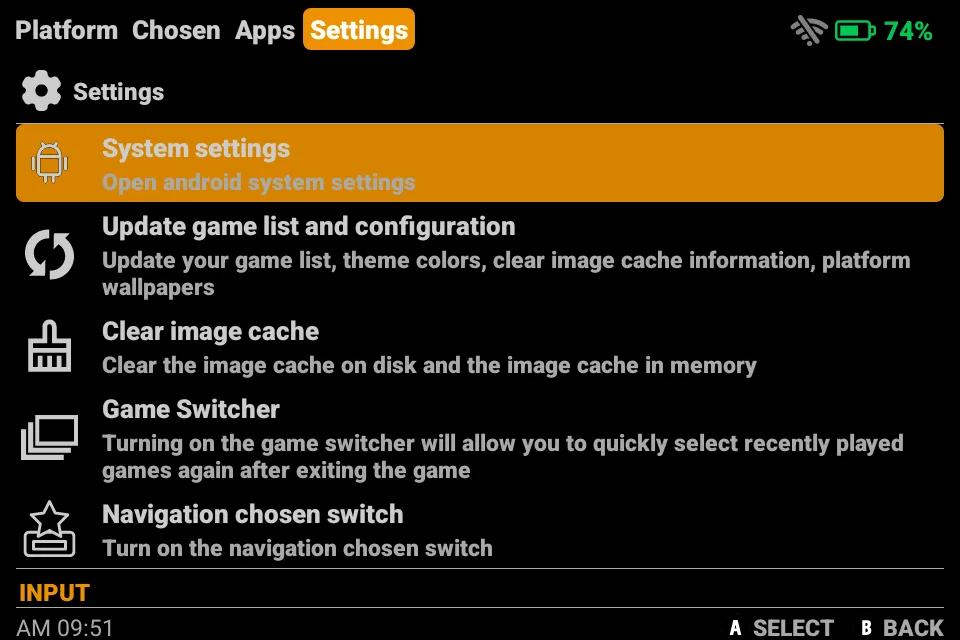
Aside from orientation settings, Dawn is a decent launcher with all the functionality you’d expect from a modern handheld. You can change settings on a per-game or per-system basis. Navigation is intuitive, and all of the settings are clearly labeled, meaning you don’t have to guess to get anything done.
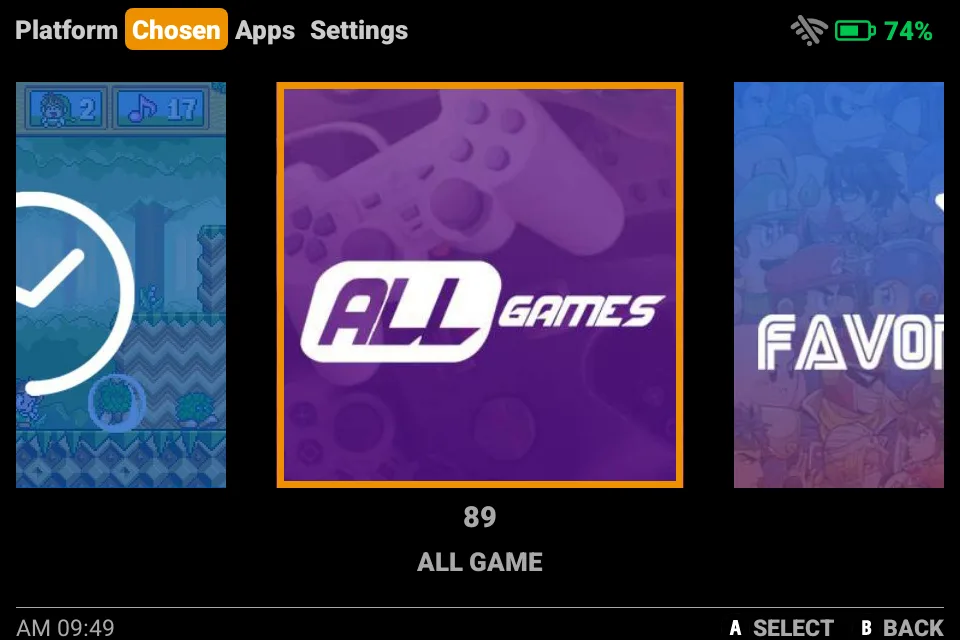
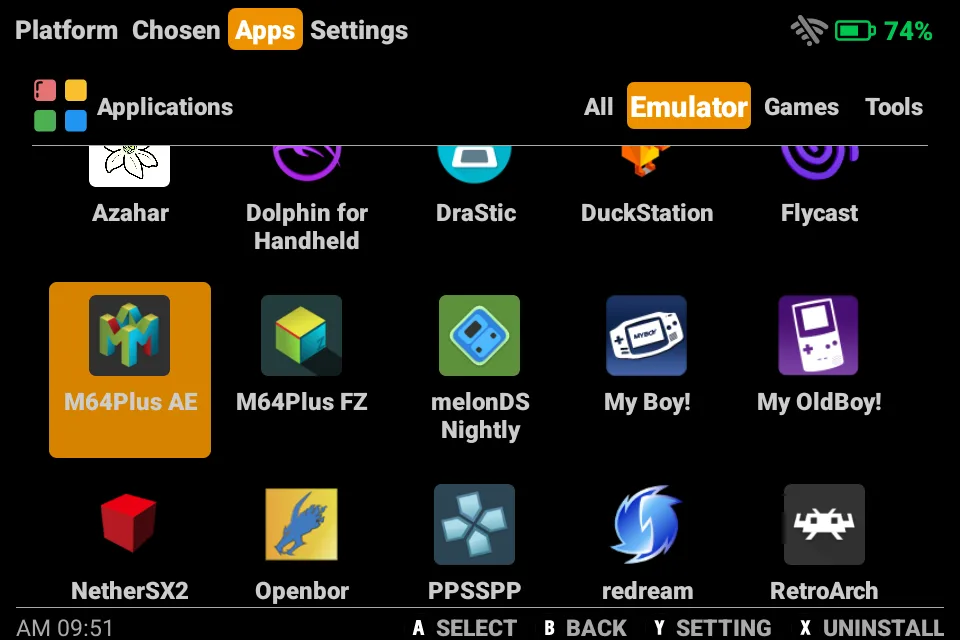
It also comes preloaded with all the software you need to get up and gaming ASAP. RetroArch covers everything up through the PlayStation and Dreamcast, but you’ve also got a slew of other open-source options that you can swap in, plus emulators like Azahar or NetherSX2 for more high-end systems
Heaps of gaming for a budget price
The MagicX One 35 is part of the vanguard of budget Android handhelds that showed up last year with respectable power at reasonable prices, and like its contemporaries, it can handle just about any retro emulation you throw its way. When it comes to traditional console emulation, it performs without a hitch. I had no problems getting Dreamcast, PlayStation, and N64 up and running without dropping a single frame.
Where things get dicey is when you get to the more “modern” systems. Surprisingly, I haven’t had any trouble with GameCube gaming, so long as I drop the resolution in Dolphin to around 75%. This isn’t an ideal solution for on-the-go GameCube gaming, but if you need to play Mario Sunshine on the road, the One 35 can do it. I was also surprised that I could run Wii on this little device. Mario Kart Wii isn’t a great experience, but as long as you stay in first and don’t have too much happening on the screen, it’s playable.
PlayStation 2 was a mixed bag. The One 35 can definitely handle the hardware emulation part of the equation, but it really struggles to run some games at speed (e.g., Oneechanbara and Ratchet & Clank). If you’re going to play PS2, you’ll need to experiment with different games to see what works and what doesn’t. I had a good experience with God of War and Kingdom Hearts, but if you can’t handle a few stutters, you probably won’t enjoy it.
Where the One 35 really shines is in handheld emulation, particularly with Game Boy Advance, which features a matching 3:2 aspect ratio. Running PSP is also no problem, and it can even handle Vita games. I didn’t have any problems with DS emulation either, aside from the small screen when playing in vertical mode. Mario Kart DS runs perfectly (although I’m not a fan of the weird recessed shoulder buttons), but games that need precision touch like Cooking Mama or Elite Beat Agents are going to give you some trouble.
I was very happy that it could run 3DS games as well as it did. I had some issues getting a smooth experience playing Hyrule Warriors on the Mangmi Air X, but for whatever reason (probably the smaller screen with fewer pixels to push), it was a lot more fun and fluid on the One 35.
Finally, I found that most Play Store games I spun up ran fine. Most native Android games aren’t really suited to traditional joystick inputs, but for the many ports out there, the One 35 brings out their full potential. I had a lot of fun playing Lego Star Wars and Vampire Survivors, both of which benefit from having a joystick. The one caveat I’ll offer is that the One 35 has a tiny screen, and it sucks to read on it, even with my old-man glasses.
Is the MagicX One 35 the handheld for you?
You’re going to have a hard time finding a better bargain than the MagicX One 35, but there are some things you need to be aware of before you go out and buy one. First of all, the 3:2 aspect ratio is perfectly suited to the Game Boy Advance and the WonderSwan, but if you emulate any other system, you will get letterboxing. That’s a deal-breaker for some people, and you might be one of them. There are loads of great games for the GBA, but the One 35 is over-specced as far as a dedicated GBA machine goes.
Second, MagicX has emphasized portability and utility over ergonomics in the One 35’s design. By making the shell as compact as possible, some buttons get crowded, and interacting with the shoulder buttons — in either configuration — could be a pain in the ass, depending on the game. It’s also really easy to obstruct the bottom-facing speakers, which, incidentally, become left-facing speakers if you twist the One 35 into Tate mode.
With all that out of the way, I’ve been loving my time with this device. I love that it slides into my pockets so I can take it anywhere. I love that it plays games that were previously unplayable on a sub-$100 handheld. And I freaking love the Tate mode and being able to jump into a vertical orientation so fluidly.
Pros
- Compact size goes anywhere
- First-class Tate mode implementation
- High price-to-performance ratio
Cons
- No ergonomic design concessions
- No 1st or 3rd party cases
- Letterboxing on most emulated systems
| OEM | Model | Price |
| MagicX | One 35 | $95 |
The MagicX One 35 delivers on price, portability, and power like no other handheld on the market. What’s more, it’s one of the few devices in history to successfully turn a gimmick (Tate mode) into a feature.
MagicX One 35