
I’ve wanted to move to an E Ink phone to simplify my screen use for quite some time now, but there aren’t many choices on the market, and of the few that exist, companies like Hisense refuse to use modems that work well in the US. This leaves only a handful of options, from the Bigme Highbreak to the Minimal Phone. Still, there is one choice you may not have heard of, it’s called the Mudita Kompakt, and similar to the Minimal Phone, the idea is that the Kompakt is designed so users can focus more with minimal distractions, and after using the phone for the last few months I can say Mudita delivers on its promise with an Android handset devoid of anything Google.
What the Mudita Kompakt brings to the table
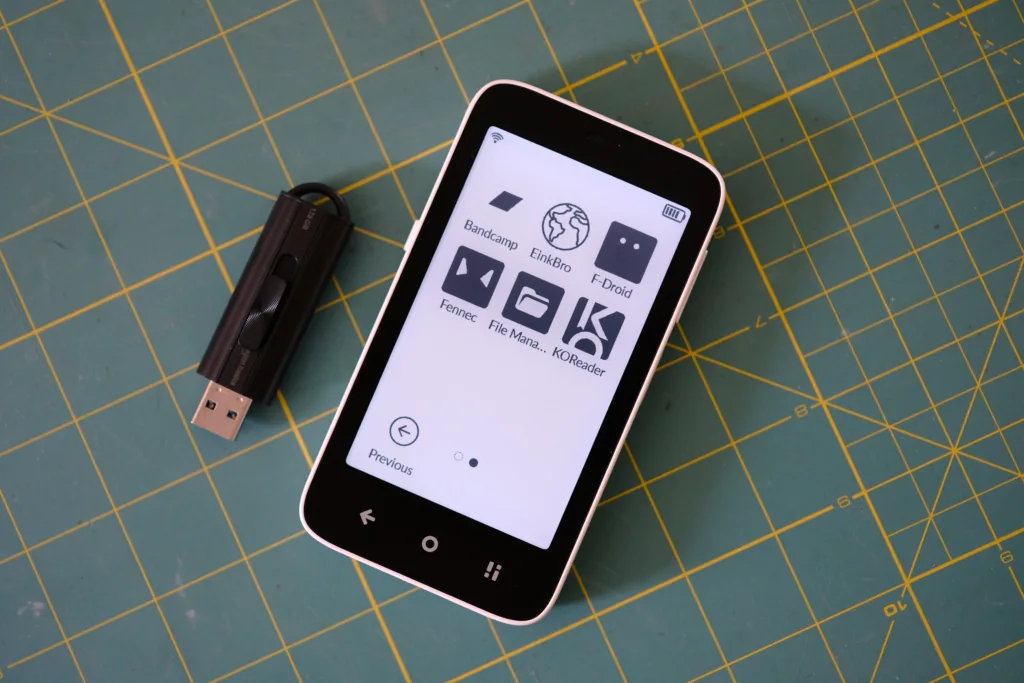
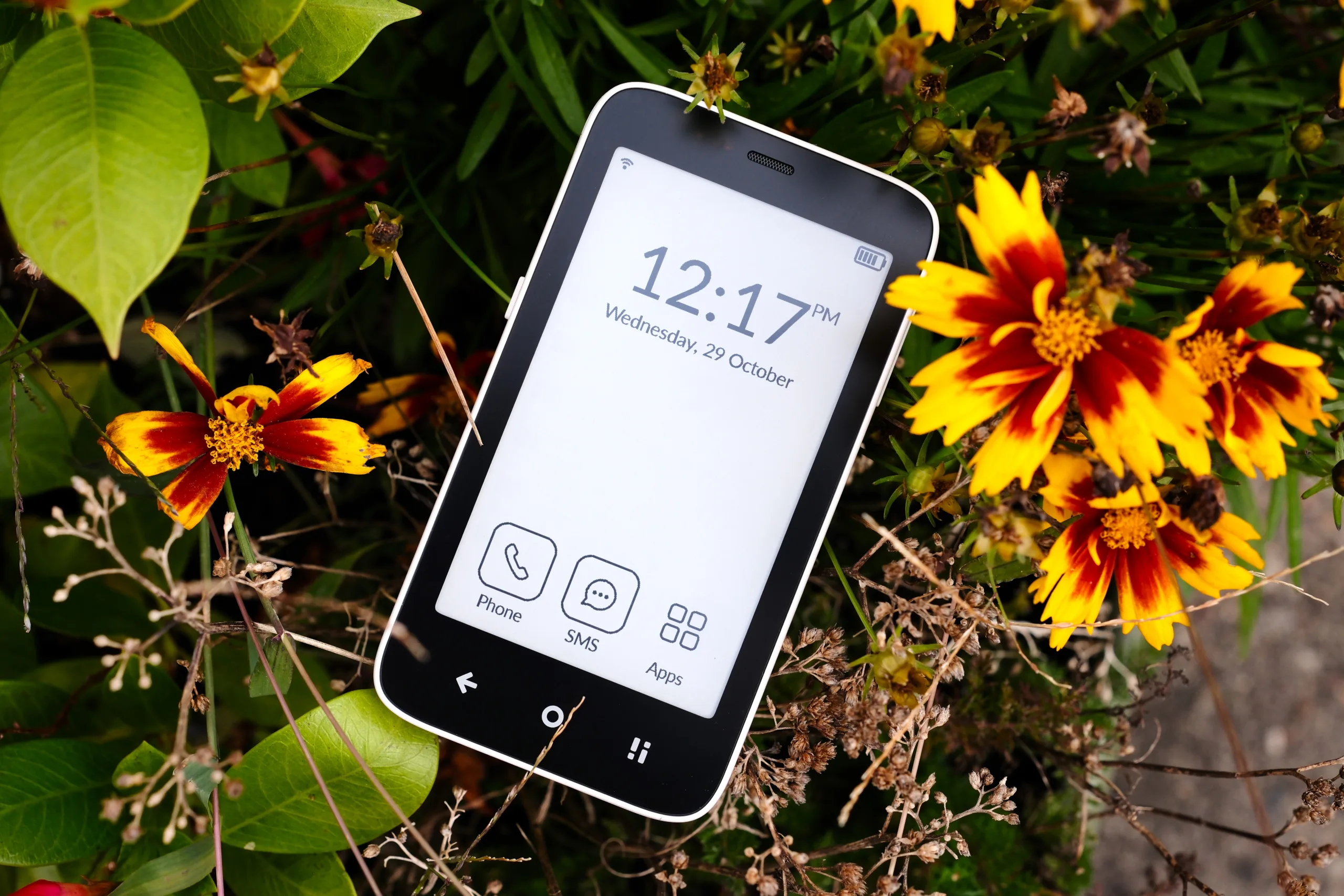
Pocketable is an understatement; this is a small phone
As you can see in the specifications table below, the Kompakt isn’t a powerhouse. It’s using a Helio A22, a chip designed for entry-level devices, and the included 3GB RAM means multitasking isn’t what this phone is good at, despite the fact it’s running Android. You see, all of this aligns with the company’s stated purpose: the phone is designed to help you disconnect while still offering just enough functionality to communicate as a phone should — through phone calls and texting.
| Display: | 4.3” E Ink, 800×480 resolution |
| Battery: | 3300 mAh Li-Polymer, up to 6 days in standby mode |
| Processor: | Quad-core MediaTek MT6761V/WBA |
| Memory: | 3GB RAM, 32GB Storage (up to 2TB via microSD) |
| Audio: | ACC Speaker, 3.5mm headphone jack |
| Connectivity: | 4G LTE, WiFi, Bluetooth 5.0, NFC |
| Location: | GPS |
| Camera: | 8MP with dual-color flash |
| Operating System: | Custom MuditaOS K (De-Googled) |
| SIM Configuration: | Includes eSIM, 1 nano-SIM, and a hybrid slot (second nano-SIM or microSD) |
| Durability: | IP54 dust/splash resistance, reinforced internal metal frame |
| Sensors: | Accelerometer, Barometer, Gyro, Ambient light sensor, Proximity sensor, Magnetometer |
| Languages: | English, Spanish, French, Polish, German, Italian, Portuguese, Dutch |
Think of the Mudita Kompakt as a dumb smartphone with the ability to sideload Android apps, should you need a little more functionality than the basic apps it ships with. While sideloading is a bit of a pain to start, once you have a store like F-Droid installed, the world is your oyster.
Of course, the main selling point is that this is an E Ink phone, sporting a 4.3-inch screen, similar to what you get with the pocketable Xteink we recently reviewed, but with full 4G cellular connectivity. Once again, leaning into offering just enough data speed to get by, rather than a device that can easily pull down 4K videos you’ll absolutely never watch on the Kompakt’s 800×480 screen.
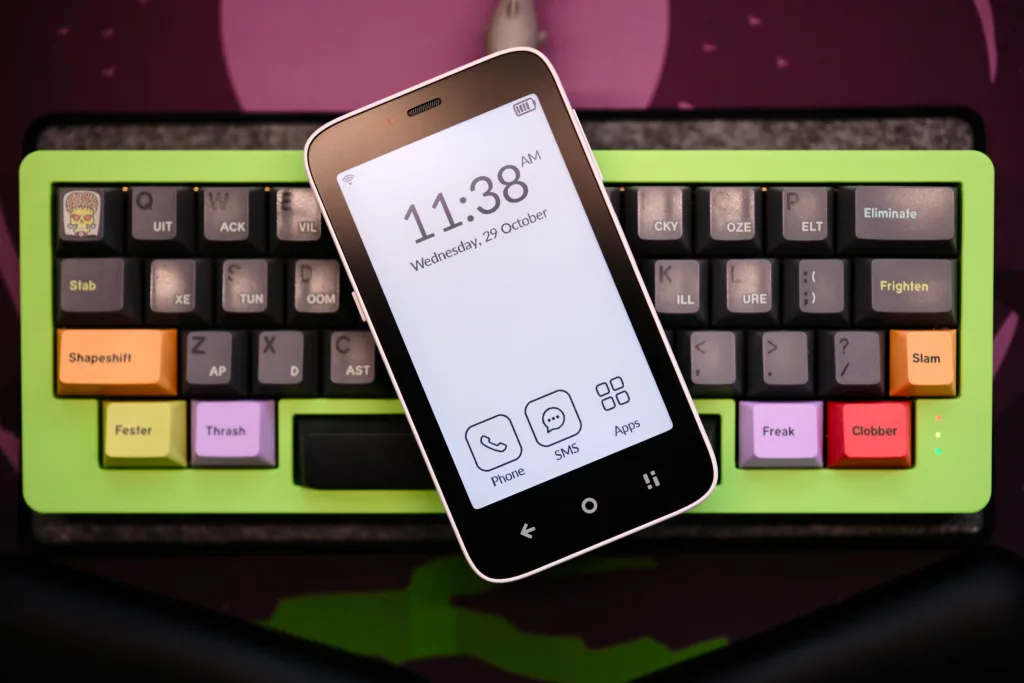
This small 40% keyboard makes the Kompakt look larger than it is
It’s clear the Mudita Kompakt wasn’t designed to be a powerhouse, but since it uses an E Ink screen that naturally refreshes slowly, it doesn’t need to be, as a faster chip or blazing data speeds would be wasted when you’ll still have to wait for the screen’s inherently slow refresh to catch up.
Ultimitely, the phone is designed for those of us looking to connect to the web less while still being available to friends, family, and work with voice, texting, and cellular data capabilities, plus, thanks to the slider on the side of the phone, you can turn off your radios to enjoy the device as a tiny distraction-free e-reader, which is why it comes with a e-reading app built in. So instead of doomscrolling your life away, you could spend that time reading books — precisely what I’ve been doing, and I’m loving it.
Ditching Google was easier than I thought, thanks to the Kompakt
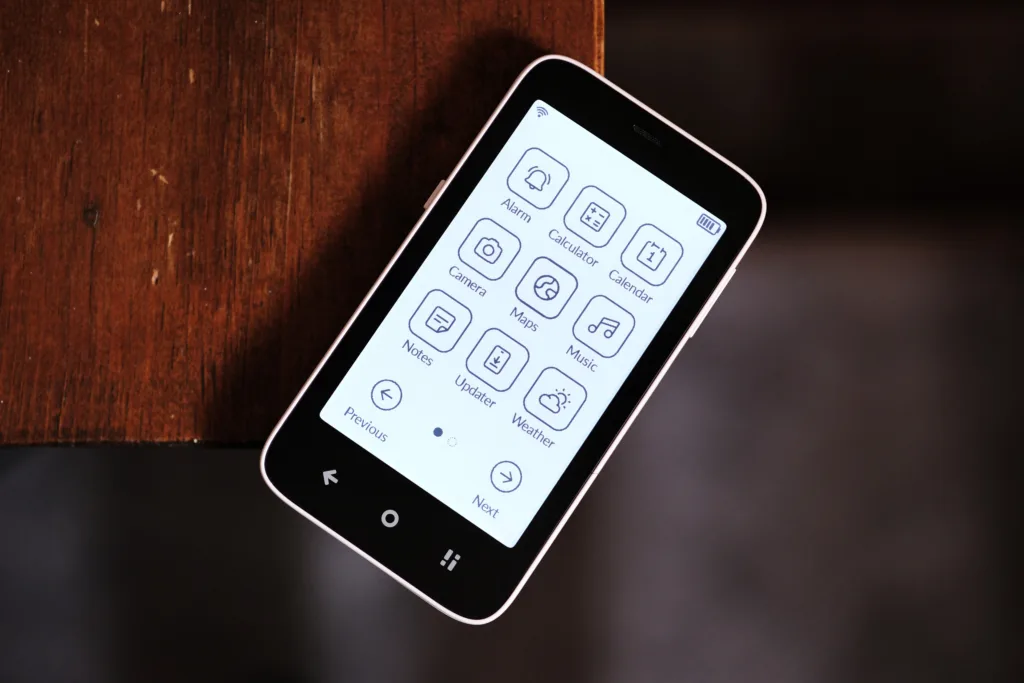
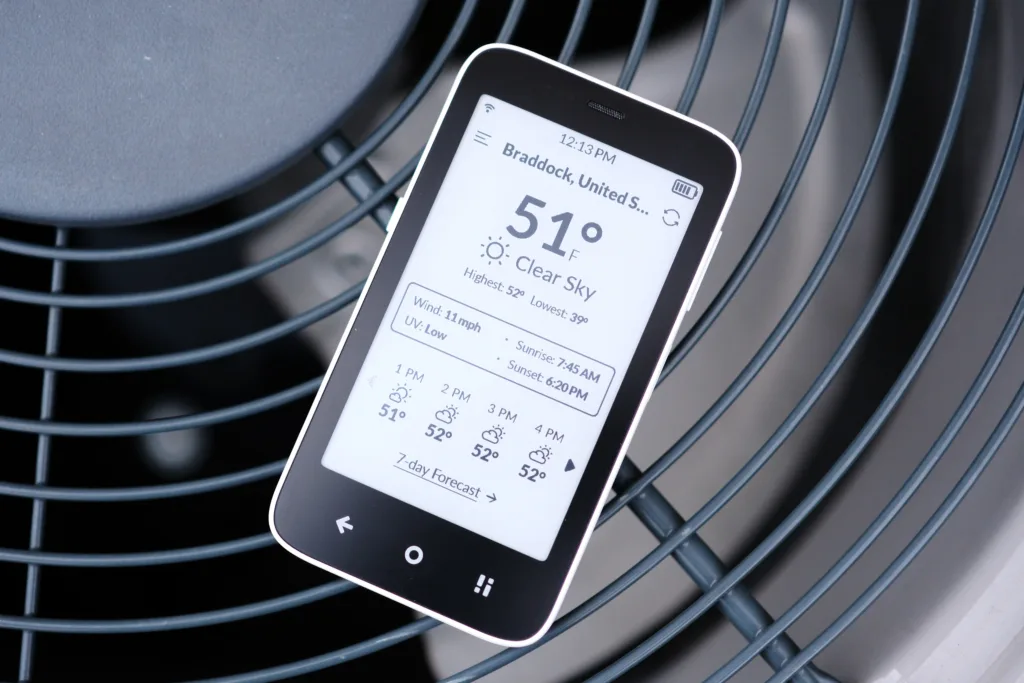
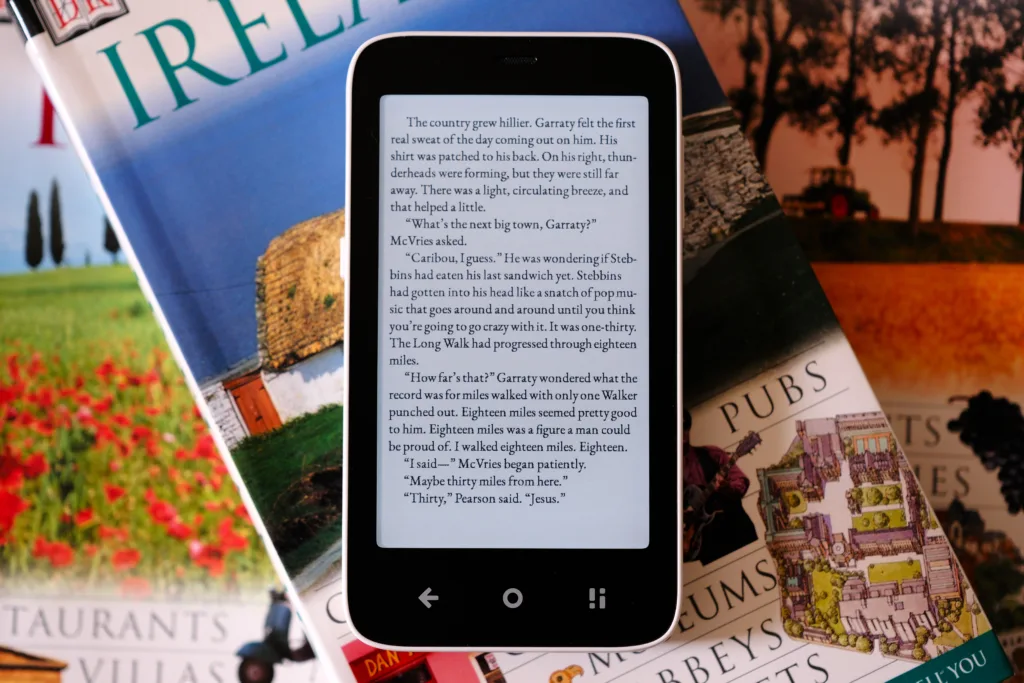
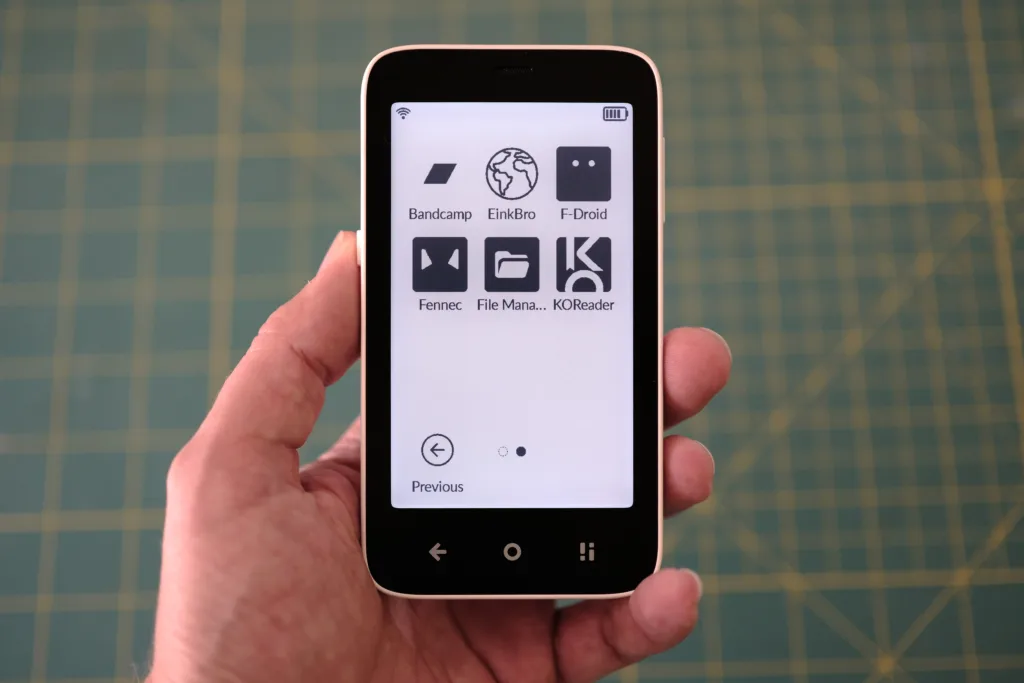
From a weather app to an e-book reader, the simplistic launcher contains what you need
Let’s face it, Google isn’t the company it once was, and it’s rare anyone speaks its name anymore without a hint of scorn. Not only has Google destroyed the open web as part of its never-ending greed, but it also spies on its users, constantly, and not always legally. After all, Google is an advertising company, so things like user satisfaction fell to the wayside many years ago, replaced by dark patterns designed to trick users into looking at more and more ads across its services. This is why deGoogling has become a popular trend as those burned by the company try to escape its grasp.
This is why things like custom deGoogled Android ROMs and phones have grown in popularity, hardware from Murena to Punkt offering privacy-focused devices, and ROMs like GrapheneOS and CalyxOS that also prioritize privacy over convenience. The very wave Mudita has set its sights on riding with the Kompakt, as it runs a custom version of Android, devoid of anything like GApps (also known as Google Mobile Services). Anybody can hit the ground running if you’re looking to deGoogle like me. Plus, you always have the option to sideload something like microG if you absolutely need a few Google apps in your life, like Gmail. The beauty is the choice is yours; it just takes some legwork to get your apps sideloaded and functioning.
The inconvenience of sideloading has a few perks
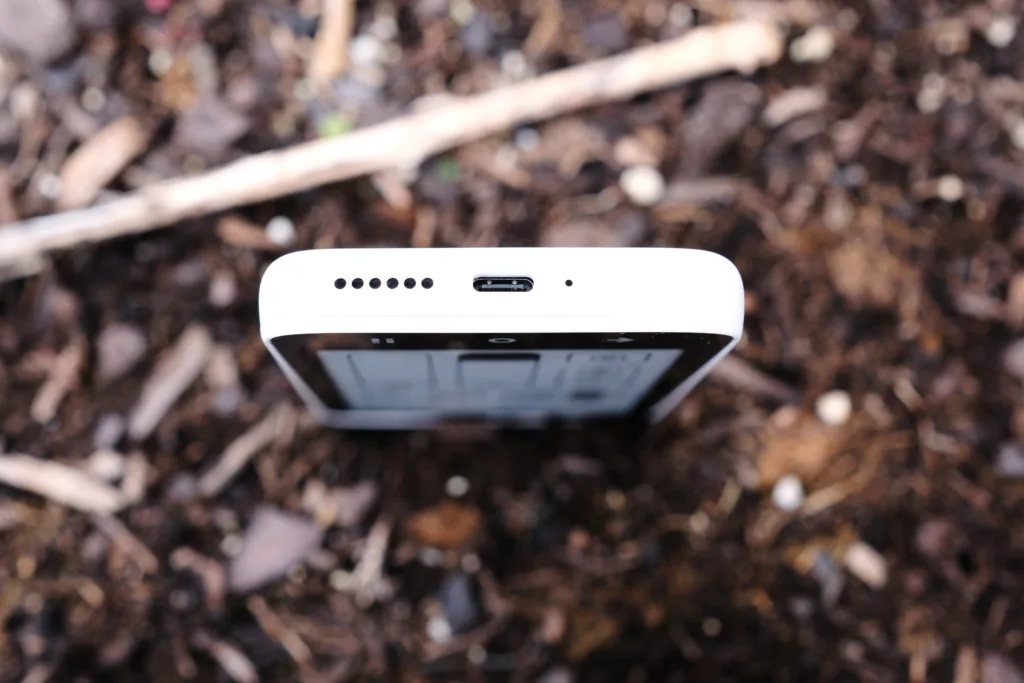
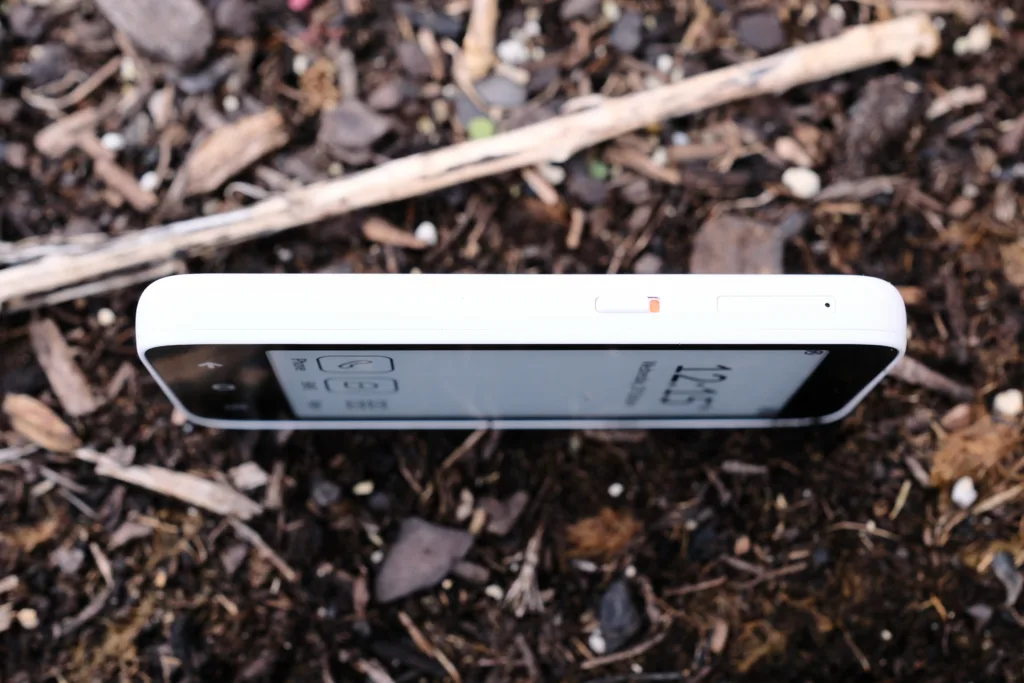
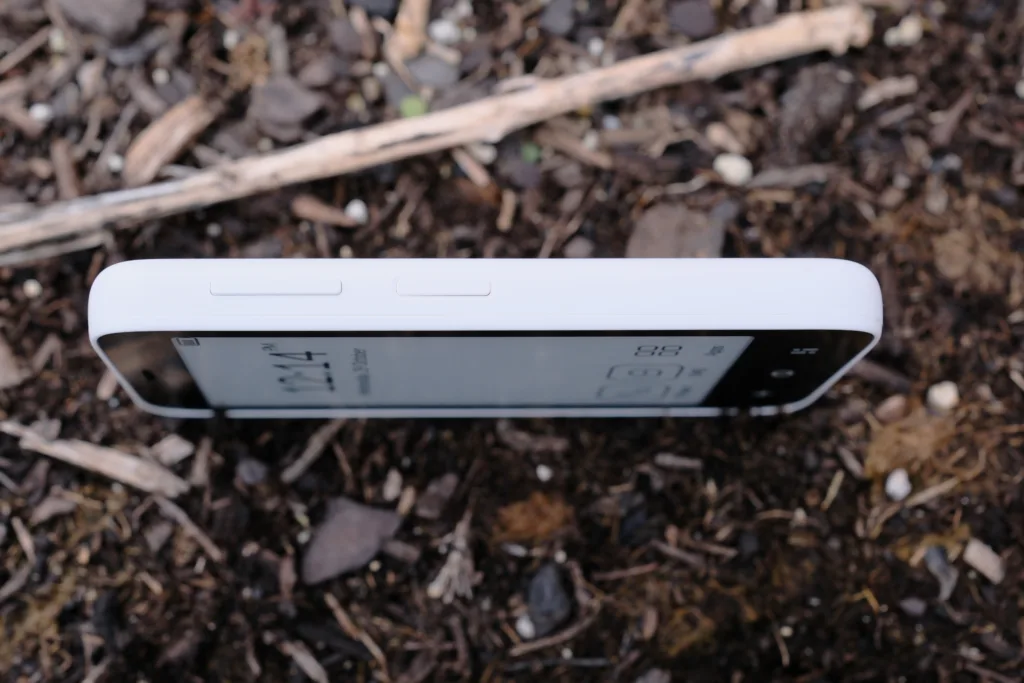
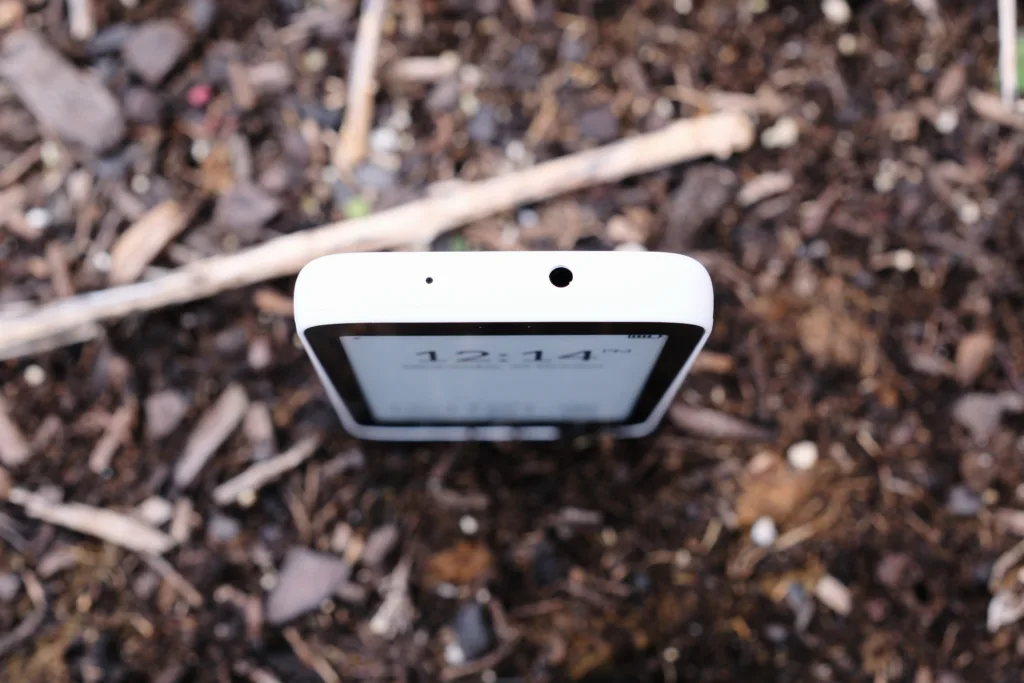
Ports and buttons
Now, I live in a city, and I often use Uber to get around. But I discovered in my daily use of the Kompakt that I could not sideload Uber because it requires Google’s GApps to run, similar to many banking apps that lock users out on deGoogled Android ROMs. This then forced me to discover that Uber offers a webpage where you can sign in with your account and order rides, thus negating the need for an app in the first place. This is also how I solved my inability to access my bank accounts: by using a sideloaded web browser to access them instead.
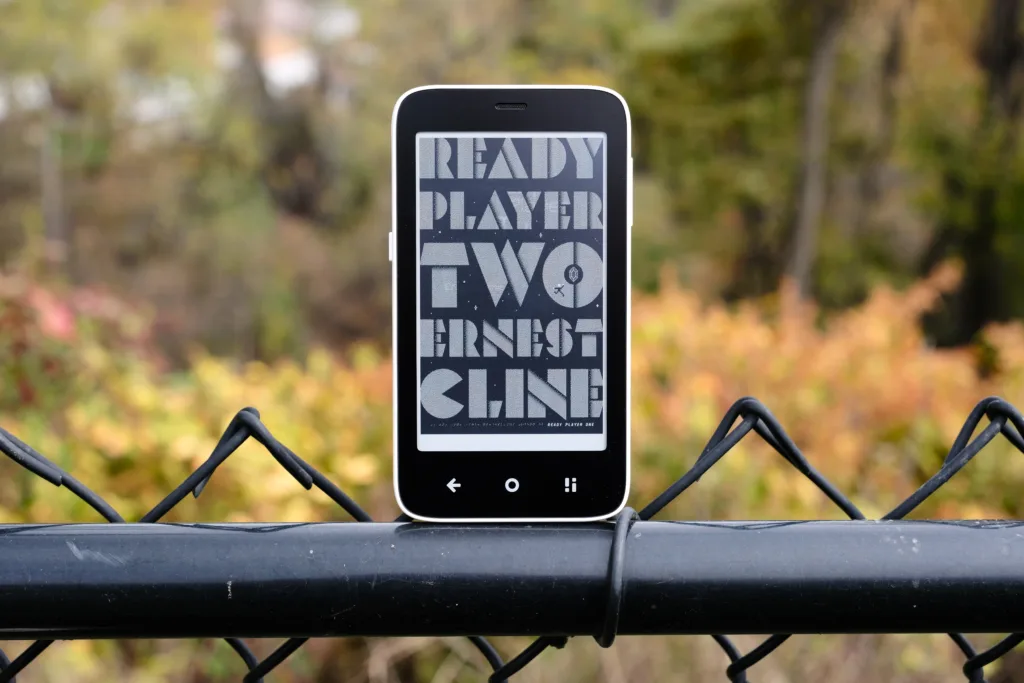
Ready Player Two ePub using KOReader
Basically, I was forced to get creative to solve the shortcomings of using a deGoogled Android phone, and ultimately, that’s part of the fun, getting my hands dirty thanks to the fact that I’m in control of my device, just like the good ‘ol days of the rooting and romming scene, which are some of my fondest memories of using Android after all of these years.
This freedom to choose how your phone operates also extends to choosing which third-party stores to install. Since I’m a big believer in open source, I sideloaded F-Droid, especially since the store offers my favorite web browser for E Ink devices, EinkBro. I also installed another favorite app that excels on E Ink devices: KOReader, an e-reading app that easily outclasses the default E-reader app that ships with the device. Once again, it’s up to me to create the experience I’m looking for, and that’s the beauty of this phone running Android: I can bend the device to my will with a bit of work and ingenuity.
Not everything is perfect
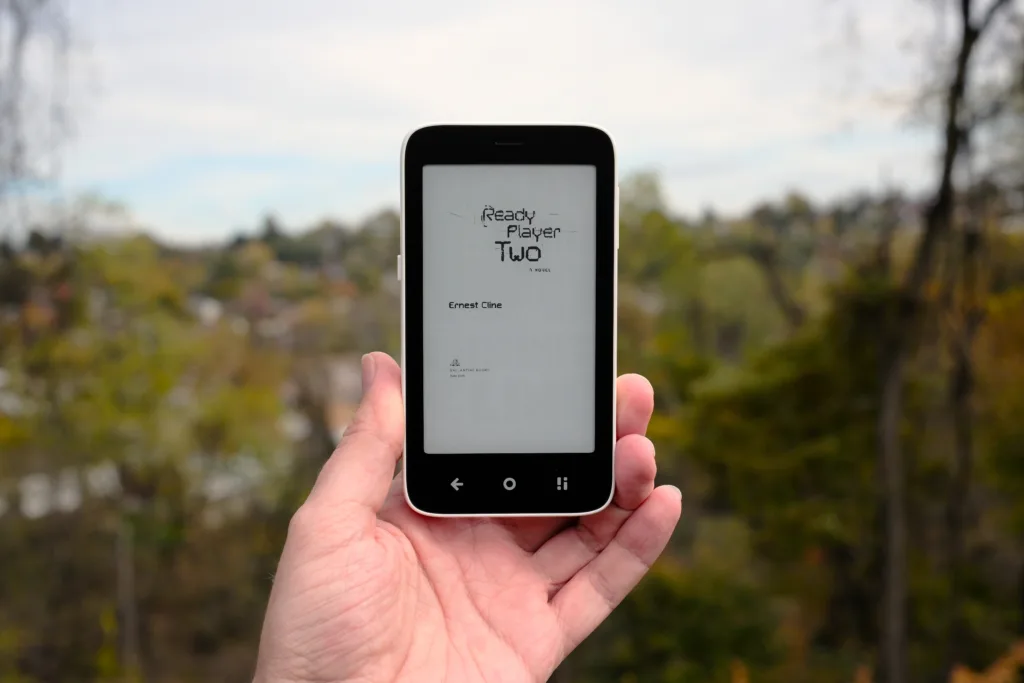
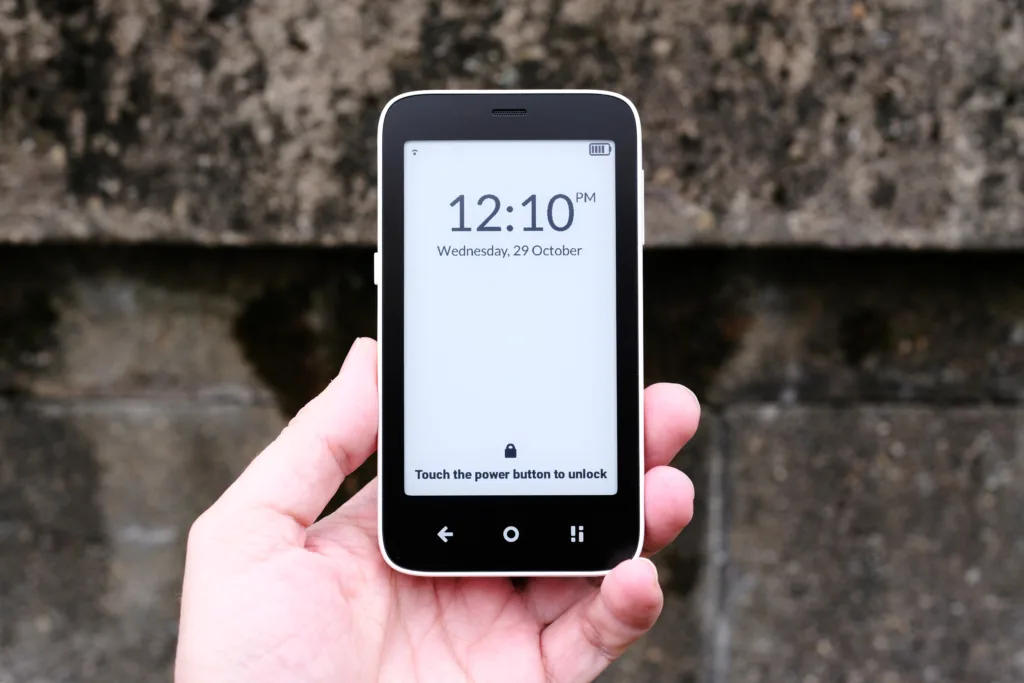
Tiny in the hand, that’s for sure
I can concede that the Mudita Kompakt won’t be for everyone. The Android OS has been tweaked in such a way that you may not recognize it. Replacing the default launcher isn’t easy, and managing apps can be a pain as there is no way to delete them in the OS. While this can be worked around for the apps installed through stores like F-Droid, which offer their own way to delete installed apps, by and large, the Mudita Center app used to manage the device still feels like a work in progress.
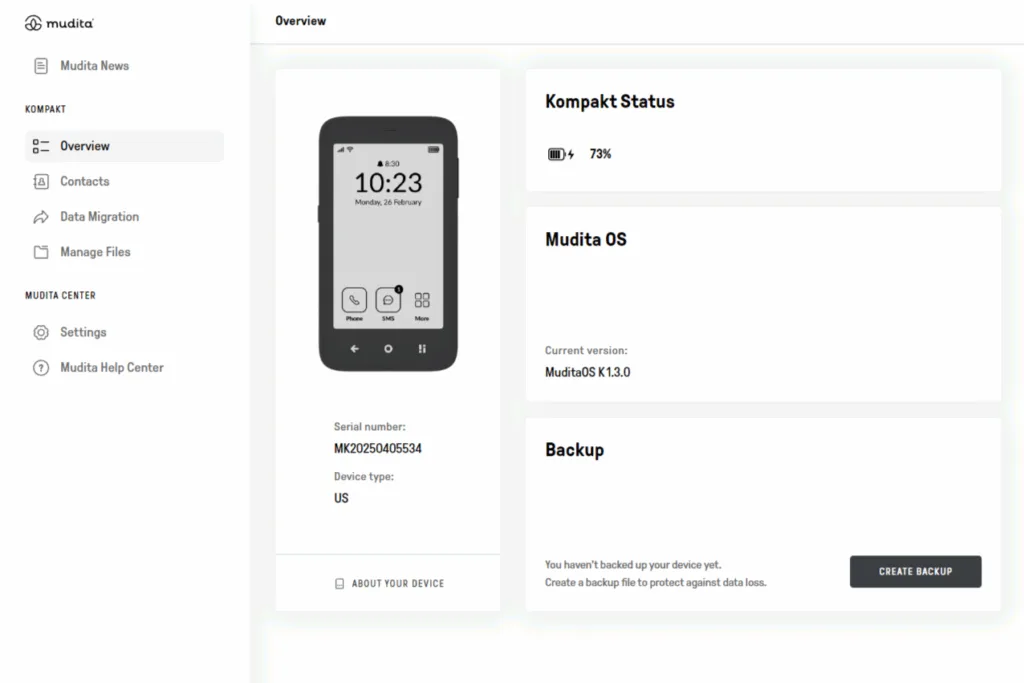
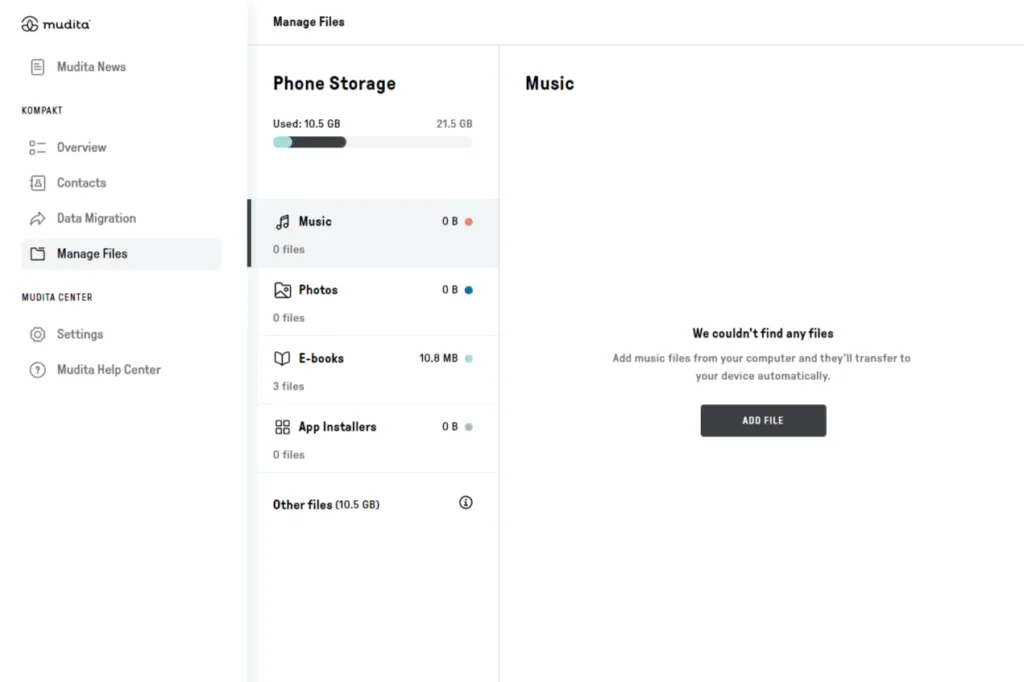
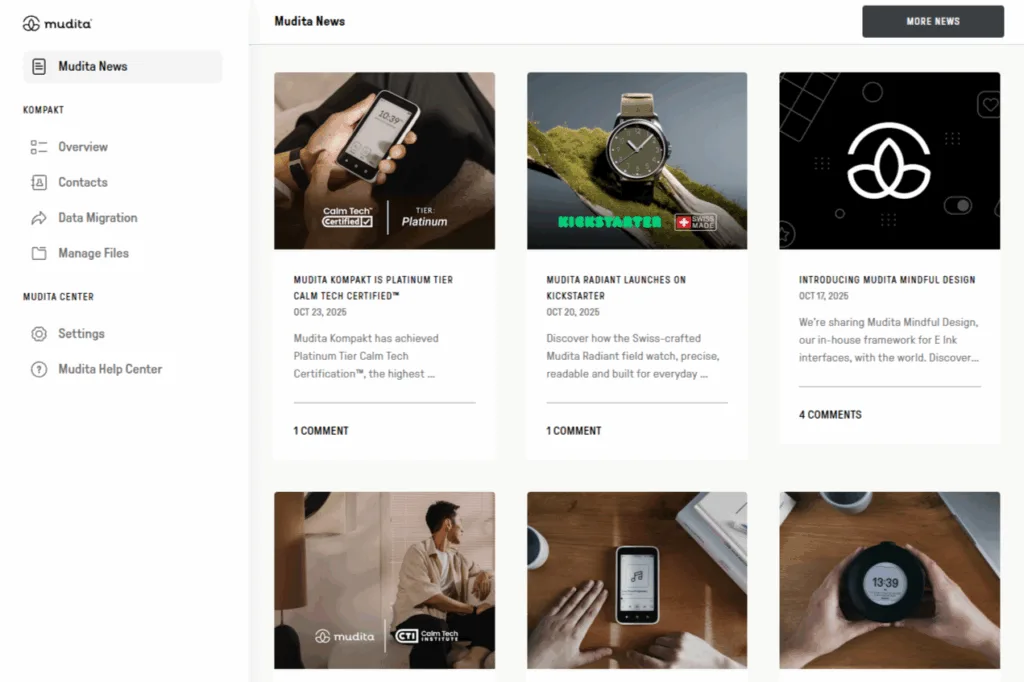
Mudita Center screenshots
While you finally have the option to send files like APKs to the device through Mudita Center (before this feature was implemented, ADB was how you would have to push files to the device), not even Mudita Center can remove installed apps from the device, which just feels odd, more work needs to be done here to ensure the Kompakt is accessible to everyone.
The Mudita Kompakt is just the beginning of my deGoogling journey
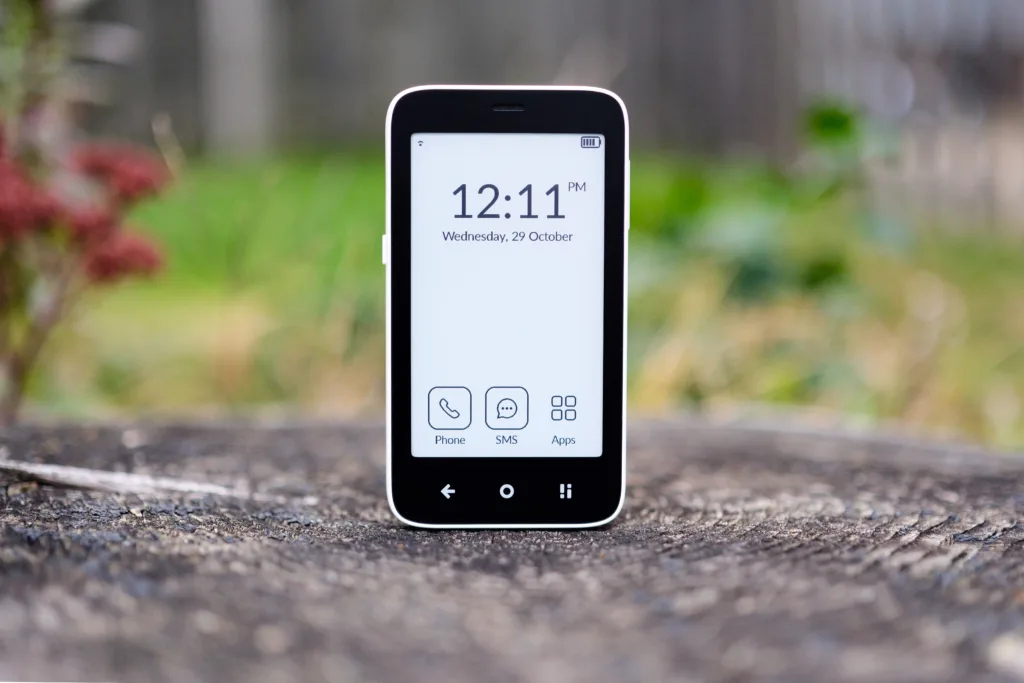
I knew before jumping on this ride that the Mudita Kompakt would require me to rethink a lot of my smartphone workflow, but at the same time, this was the entire point of taking the journey. I know for a fact that I spend too much time on the web reading social media and news, especially when I cover some of this news at Guilty Gamer, I have to be plugged in to hit content while it’s fresh. But when I’m not working on the site, I’m still overly connected, and often overly stimulated; it’s simply not healthy for my sanity to live so much of my life online, constantly triggering my dopamine. So for me, the Mudita Kompakt is a firebreak I’ve installed to keep the flow of information to a minimum.
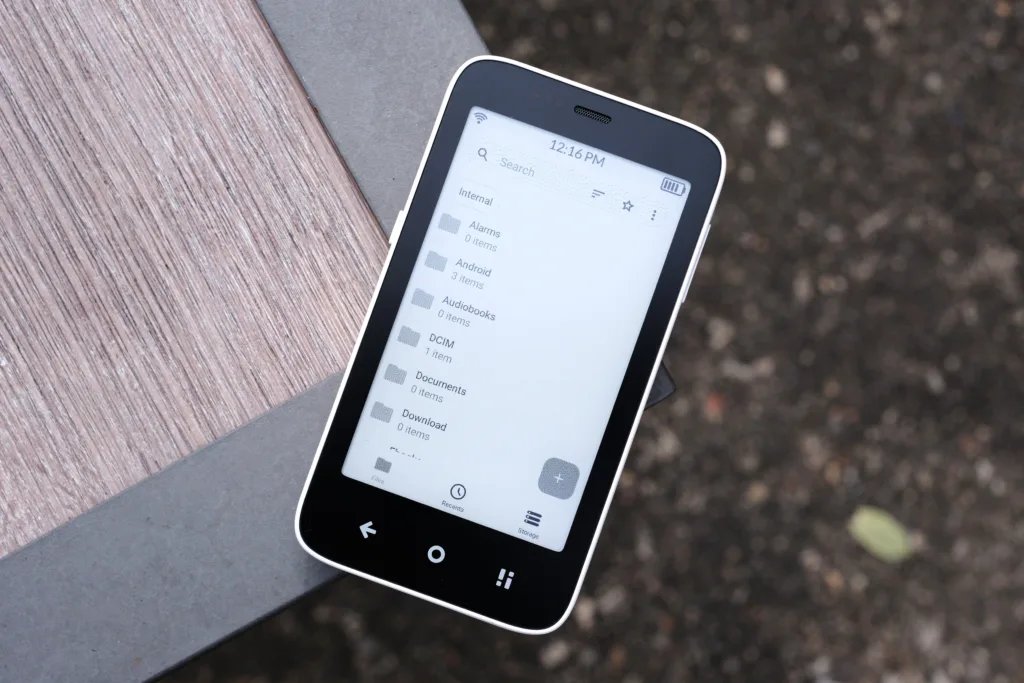
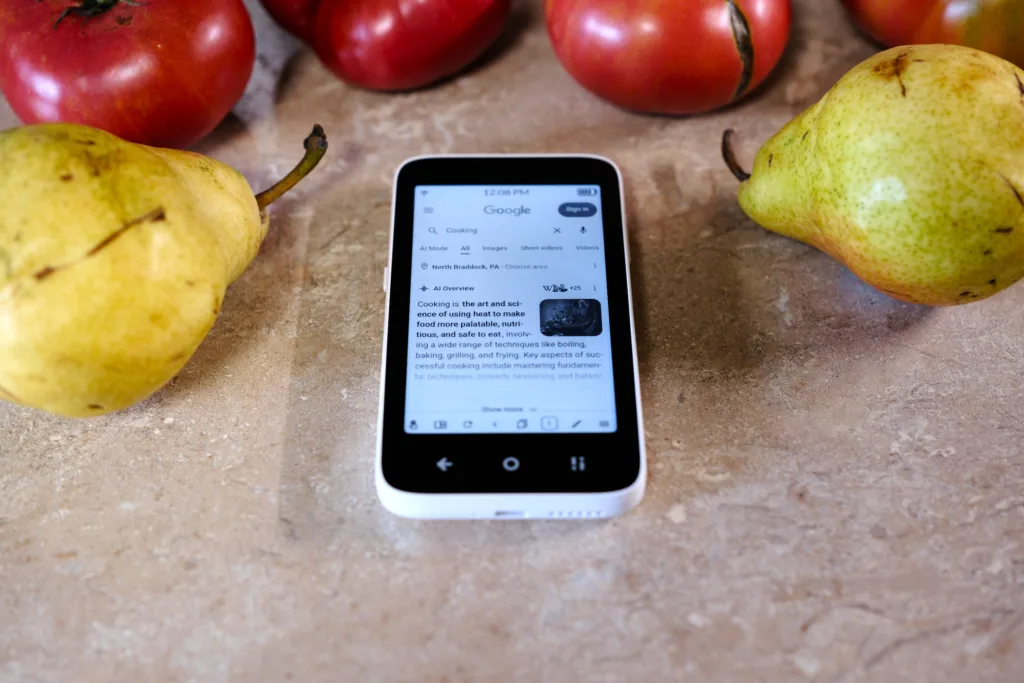
File explorer and browser from F-Droid
These days, instead of doomscrolling, I’m reading e-books like The Walk, Ready Player 2, or Project Hail Mary. On top of that, even though I can install apps like Discord and Slack, I haven’t, which means a lot of my notifications no longer interrupt my time off unless I pick up a laptop. By leaning into how minimal the experience is on the Kompakt, I’ve stumbled upon a way to gain back a lot of my free time. Work stays at work, and free time remains free, and a big part of that is disconnecting from Google’s many services that used to interrupt my evenings.
While it may sound like I’m going to extremes with what is essentially a dumb smartphone that purposefully hobbles my ability to stay connected, I can certainly vouch that sometimes extremes are needed to change unhealthy behaviors. While I still have work to do to rip Google out of more components of my life and work, starting by switching from a high-end smartphone to the Mudita Kompakt has already proven to be such a boon that I doubt I’ll ever go back to using a Google-certified Android device.

Mudita Kompakt