
You probably don’t know this about me, but I love input devices, even if I have no use for them, and if they look neat, that’s even better with me. That’s why when I saw the K811 gaming keyboard for less than $30 on AliExpress, I had to have it, despite how ridiculous it looks.
What you get for your $30
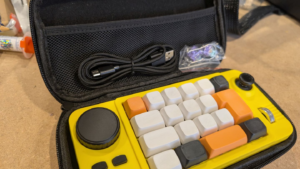
If you’re not a fan of the very loud injected plastic yellow case, the K811 is available in a black frame with orange and blue highlights or a white frame with red and blue highlights. It also comes fully assembled with its own hard case (though since I got it through AliExpress, your mileage may vary), USB-C to USB-A cable, two spare switches, and a key/switch removal tool.
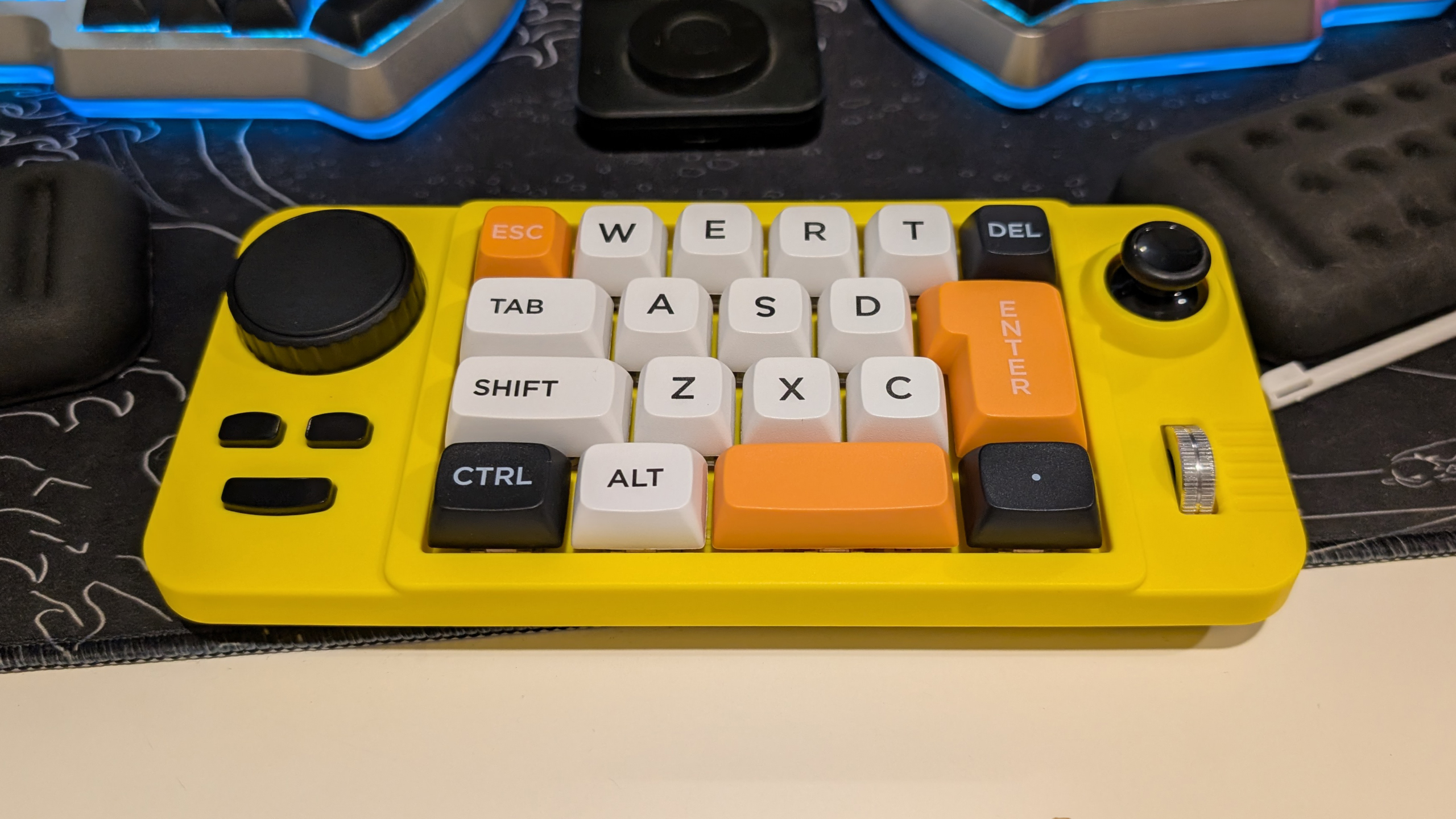
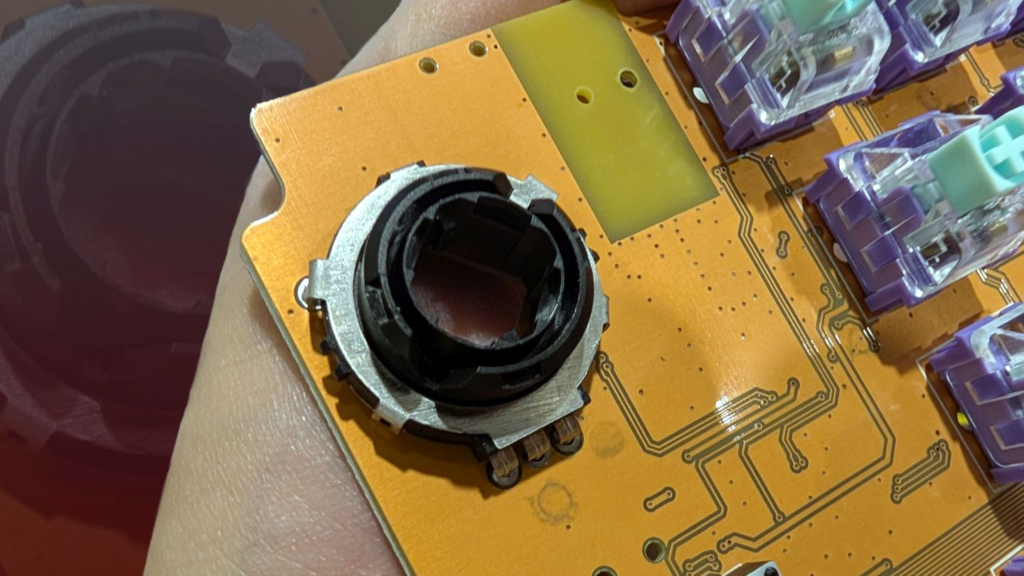
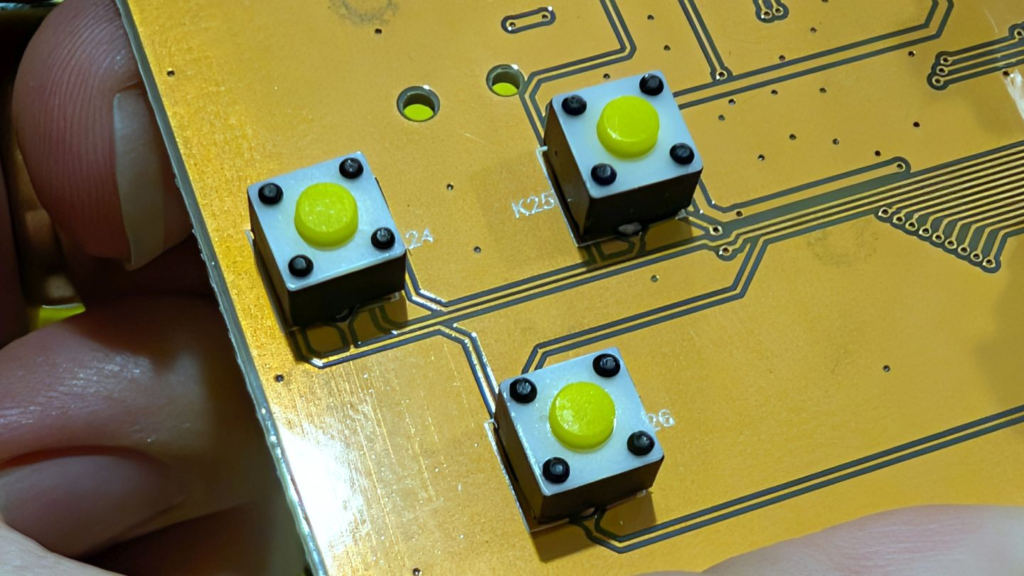
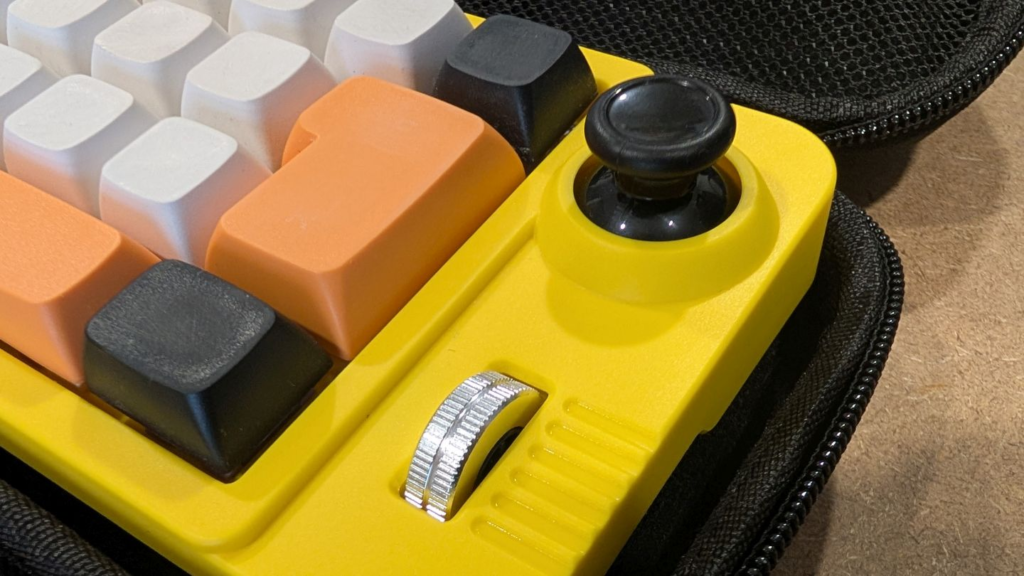
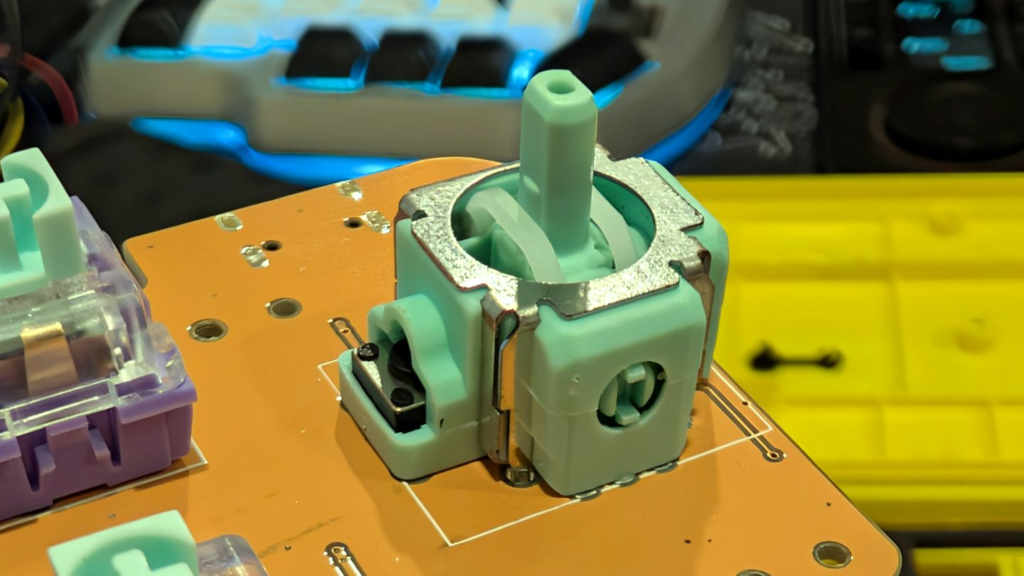
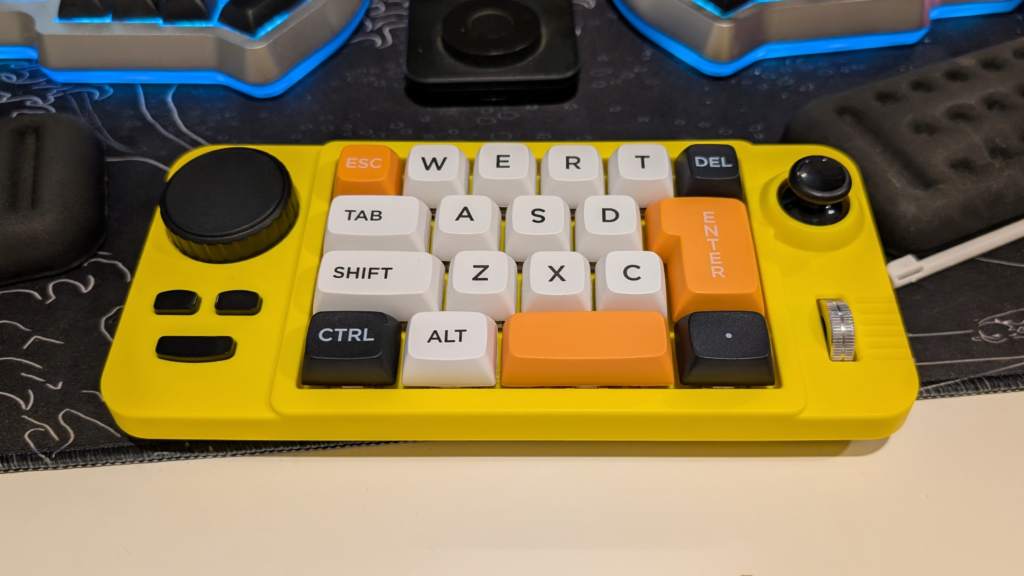
The design of this thing, from a purely aesthetic perspective, is actually pretty nice; unfortunately, a lot of that is only skin deep. In particular, the rotary encoder and three buttons on the left side feel really cheap to twist and press. On the right side, the “joystick” and scroll wheel feel better, although I think the silver of the scroll wheel is out of place with the vibe of the rest of the macropad.
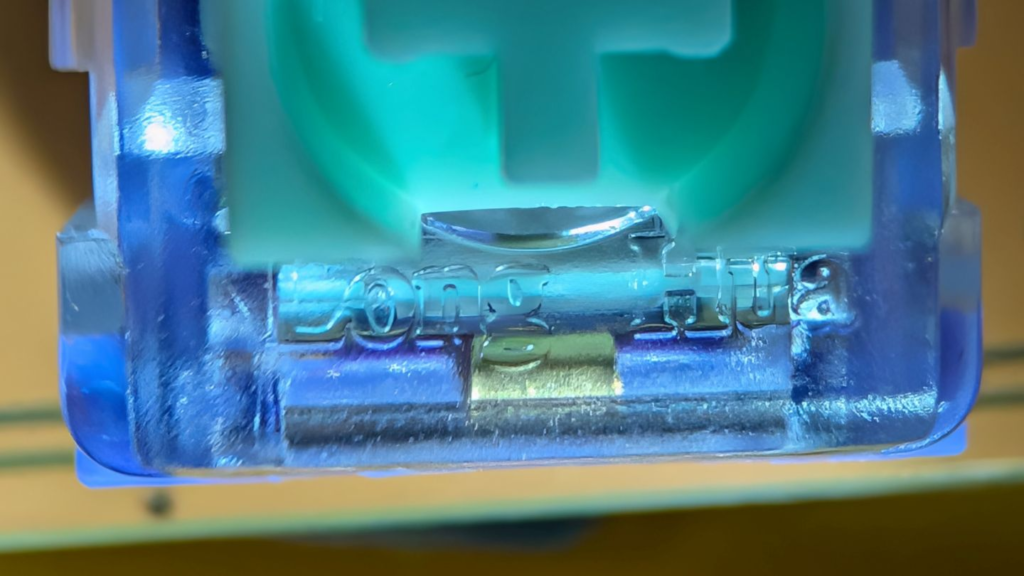
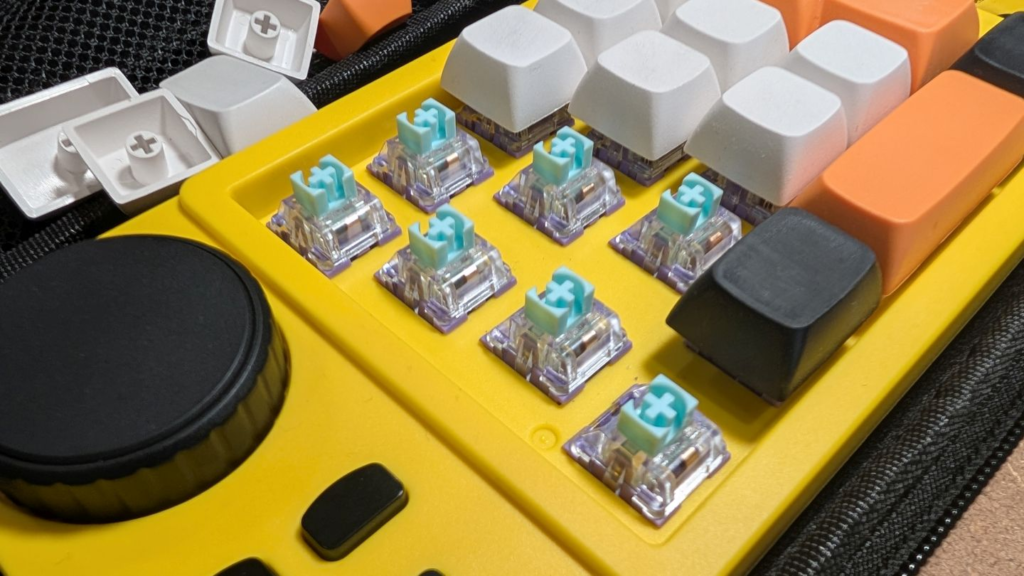
The keys are where the K811 kind of surprises. Underneath the 19 keys (they look like XDA) are lavender and aqua Long Hua linear switches in hot swappable sockets. Honestly, they don’t feel bad. I’m definitely more of a fan of tactile switches over linear, but since you can swap them out, it doesn’t really bother me.
Where the K811 falls short
Where I think this macropad misses the mark is in trying to conform to the norms of a “traditional” row-staggered keyboard. First of all, no one is ever typing on this thing, so there’s no need for the glyphs on the keys. Even if you wanted to get your FPS on, the WASD is so far out of alignment as to make it worthless. Granted, you could make FPS gaming work by remapping the SZXC keys, but that just reinforces my point that the glyphs are worthless on this thing.
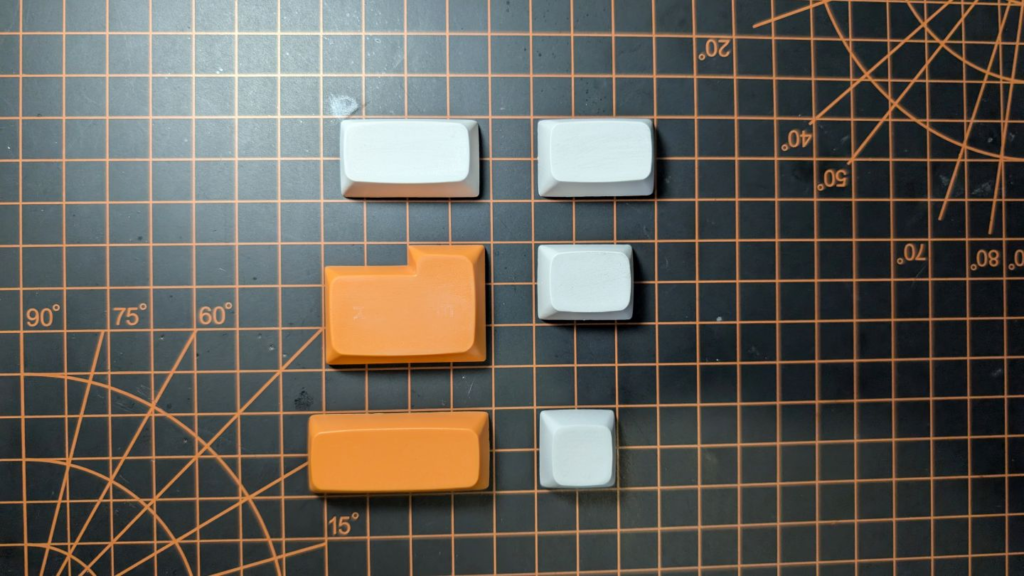
Second, there are six different sizes of keys (have fun shopping for replacements), and there’s no real justification for their layout or placement. Sure, you could eke out 28 different characters between the two layers it provides, but are you going to sacrifice your comma so you can have a shift key? Since typing isn’t an option, why submit to the conceit of its form? Because I’m not typing on it, I don’t need a shift key or a space bar, and I certainly don’t need an L-shaped Enter key.
With those gripes out of the way, this thing is still pretty neat if you’re willing to put the time in (more on that later). Out of the box, this makes a great doom-scrolling device thanks to some of the input defaults. The rotary encoder adjusts the volume while the buttons are mapped to the media controls of next, previous, and play/pause. The controls on the right are redundant for short-form video scrolling since the “joystick” is mapped to the arrow keys (it’s not a “joystick,” it’s a fancy 4-way switch) and the scroll wheel scrolls. Depending on the video platform of your choice, it’s not too hard to remap some of the keys to those shortcuts to dial in your experience.
As an application macropad, this could serve you well if you have the patience to set it up and learn your shortcuts. This is particularly true of apps like Blender and Photoshop, which have a lot of options to hop between when you’re using them. Unfortunately, when it comes to customizing your layout, there’s a major bottleneck: the configuration software.
The software is hot garbage
Inside the K811, there is an unlabeled MCU and no obvious way to put it in boot mode, so you’re very much stuck with using configuration software provided by MKESPN. The software mostly works, but there are some surprises along the way, and the sloppy Mandarin-to-English translation makes using it unintuitive.
Case in point, the “Model I” and “Model II” selections. I initially thought that there were two models of this out there with slightly different firmware, and you had to guess which one you had. In reality, it’s probably a typo for “Mode I” and “Mode II,” which really should be “Layer I” and “Layer II.” Pressing down on the joystick essentially lets you switch layers, giving you the potential to have 60 separate macros defined. One drawback is that there is no obvious way to know which of the two layers you’re on without pressing a key.
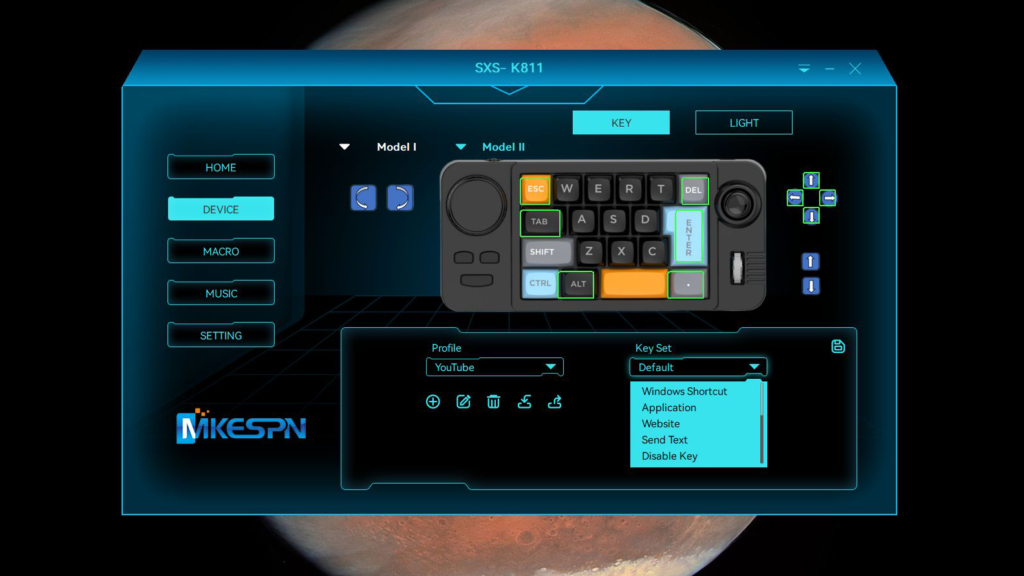
Another issue is that MKESPN really doesn’t want you to reprogram the rotary encoder or scroll wheel. I’ve already mentioned that they’re mapped to media volume and mouse scrolling, respectively. What I didn’t mention is that you can’t assign any other key or function to either of them except for macros, and macros can only contain single key presses, mouse button presses, or discrete mouse movements. Frankly, this is a pain in the ass and could be a deal breaker for a lot of people.
You can replicate five-button mouse input fairly easily on the K811, but if you want to do mouse movement, it’s kind of janky and takes a lot of guesswork. The menu item for it is only available in the macro menu, and it’s called “Insert X and Y,” which is not an obvious name for mouse input. Then, to get smooth movement, you need to set the key to “Cycle Until Stop Pressing,” or you’ll have to tap the key over and over to get the movement you want. I tell you all this because it unlocks a lot of the value for this little macropad, letting you use the joystick as a mouse and the buttons as clicks.
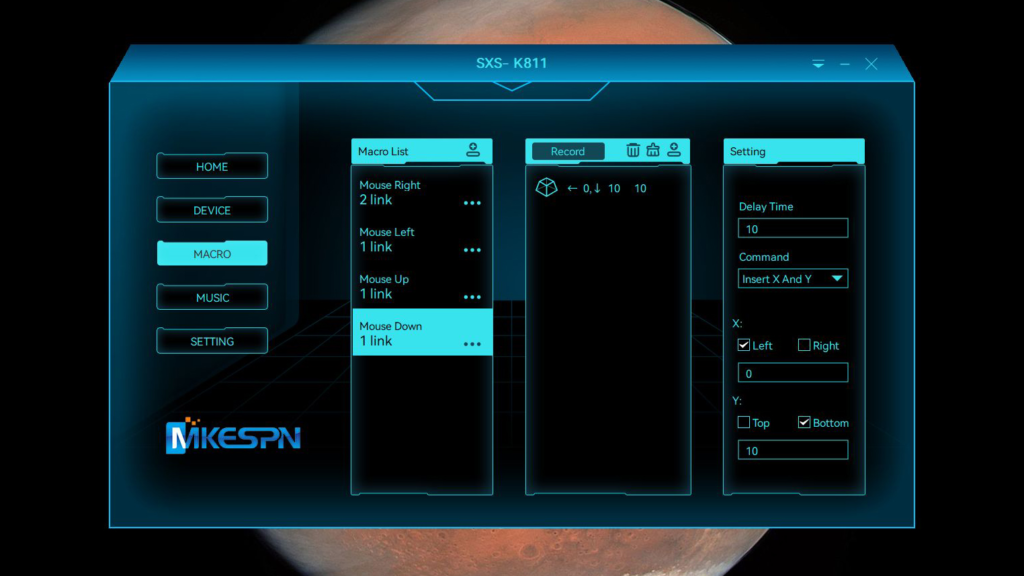
Additionally, the K811 can run some basic Windows shortcuts like closing windows, showing the desktop, and opening My Computer. You can set up a shortcut to open an app, and there’s even a function for launching a web page if your browser’s open. Finally, you can set up a text macro separate from regular macros and key inputs, but keep in mind that this doesn’t simulate a keystroke; rather, it outputs whatever text you have set.
To sum up, the software is bad, but it’s not unusable.
Is the K811 worth your time?
If you’re in the market for a macropad you could do better, but you could also do a whole lot worse. The biggest flaw with this is the software and the cheap, no-name MCU. For just $5 more, this could have a 2040 in it and come preloaded with Vial or custom QMK. This and the other flaws suggest that MKESPN is in the business of churning out hardware and doesn’t really understand the market it’s selling to.
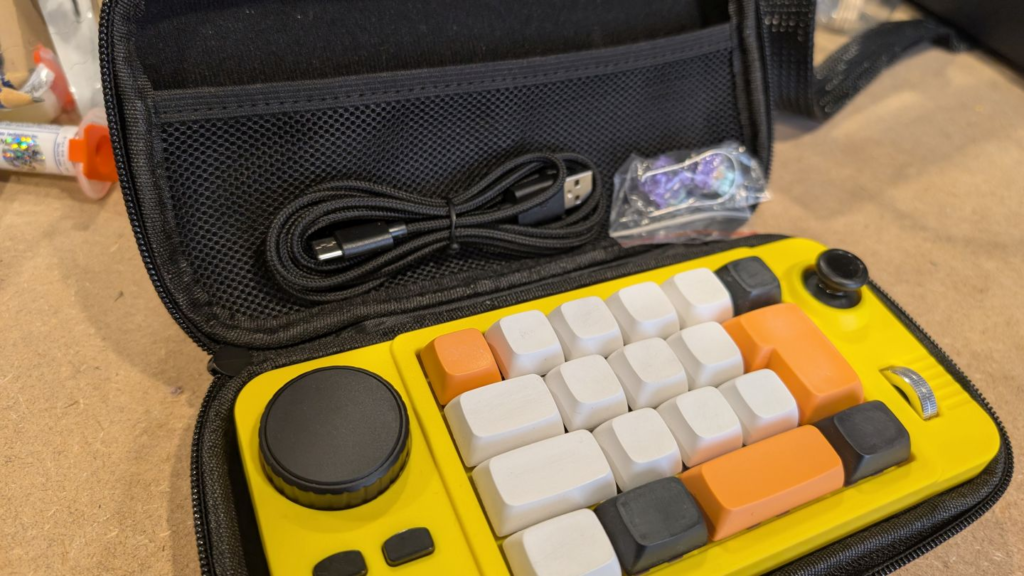
Still, if you want to make this work as a decent macropad, you can. The first step should be replacing the caps. I sanded the glyphs off of mine with some fine-grit sandpaper because they were a distraction. The next thing to do is add some tactile diversity to the caps so your hand can find its way around without your eyes. I recommend adding a bump to a pair of keys or replacing the central six caps with a lower-profile DSA cap, just to make it more obvious which key you’re pressing if you’re not looking.
It’s also important to keep in mind whether you need this much macropad. Between the encoder, scroll wheel, joystick, buttons, and keys, the K811 has 30 inputs. Add in the two layers, and that jumps up to 60. There are lots of use cases out there for that many possibilities, but is yours one of them? If you’re just trying to play some Osu, this is definitely too much, but if you want to improve your quality of life in a game like Armored Core, this might be a good addition
Pros
- Visually striking and aesthetic
- Up to 60 potential macros
Cons
- Cheap feel to some inputs
- Horrible software
| Manufacturer | Price |
| MKESPIN | $30 |
From the needless glyphs to the wonky key sizes to the vibe coded software, there are plenty of reasons to hate this thing, but despite all of that, it’s got undeniable style and charisma and I don’t regret a penny spent on it.
If you do pick up a K811, let us know what you’re using it for and how effective it is.